
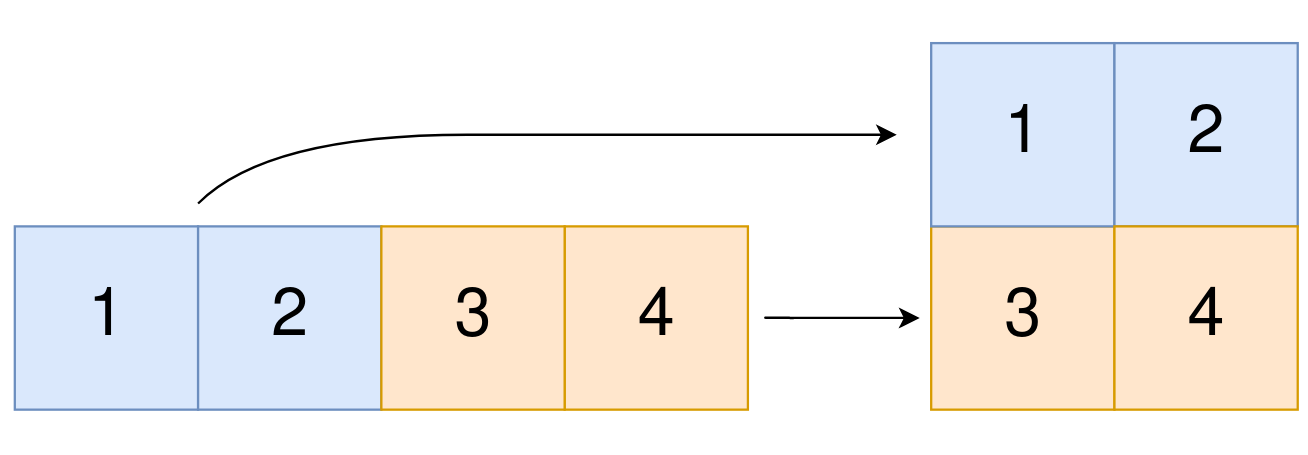
How To Convert A 1D Array Into A 2D Array?
Table Of Contents:
- np.newaxis
- np.expand_dims
(1) np.newaxis
- Using
np.newaxiswill increase the dimensions of your array by one dimension when used once. - This means that a 1D array will become a 2D array, a 2D array will become a 3D array, and so on.
- You can explicitly convert a 1D array with either a row vector or a column vector using
np.newaxis. For example, you can convert a 1D array to a row vector by inserting an axis along the first dimension.
Example-1:
a = np.array([1, 2, 3, 4, 5, 6])
a
array([1, 2, 3, 4, 5, 6])a.shape(6,)Adding One More Dimension To Array:
a2 = a[np.newaxis, :]
a2
array([[1, 2, 3, 4, 5, 6]])a2.shape(1, 6)Example-2: Row Vector
row_vector = a[np.newaxis, :]
row_vector
array([[1, 2, 3, 4, 5, 6]])row_vector.shape(1, 6)Example-3: Column Vector
col_vector = a[:, np.newaxis]
col_vector
array([[1],
[2],
[3],
[4],
[5],
[6]])col_vector.shape(6, 1)Example-3: Adding Third Dimension
col_vector = a[:, np.newaxis][:, np.newaxis]
col_vector
array([[[1]],
[[2]],
[[3]],
[[4]],
[[5]],
[[6]]])col_vector.shape(6, 1, 1)(2) np.expand_dims
- You can also expand an array by inserting a new axis at a specified position with
np.expand_dims.
Example-1:
a = np.array([1, 2, 3, 4, 5, 6])
a
array([1, 2, 3, 4, 5, 6])a.shape(6,)b = np.expand_dims(a, axis=1)
barray([[1],
[2],
[3],
[4],
[5],
[6]])b.shape(6, 1)c = np.expand_dims(a, axis=0)
carray([[1, 2, 3, 4, 5, 6]])c.shape(1, 6)