admin
#1 Run The Below Command To Create The Python Project Structure
mkdir my-python-api
cd my-python-api

mkdir app
mkdir app\api
mkdir app\models
mkdir app\services
mkdir app\core
mkdir app\db

New-Item app\main.py -ItemType File
New-Item app\api\routes.py -ItemType File
New-Item app\core\config.py -ItemType File
New-Item app\db\session.py -ItemType File
New-Item app\db\base.py -ItemType File
New-Item requirements.txt -ItemType File
New-Item README.md -ItemType File
my-python-api/
├── app/
│   ├── main.py
│   ├── api/
│   │   └── routes.py
│   ├── models/          # DB models (ORM)
│   ├── services/        # Business logic
│   ├── core/
│   │   └── config.py    # Env variables
│   └── db/              👈 ADD THIS
│       ├── session.py   # DB connection
│       └── base.py      # Base ORM setup
├── requirements.txt
└── README.md
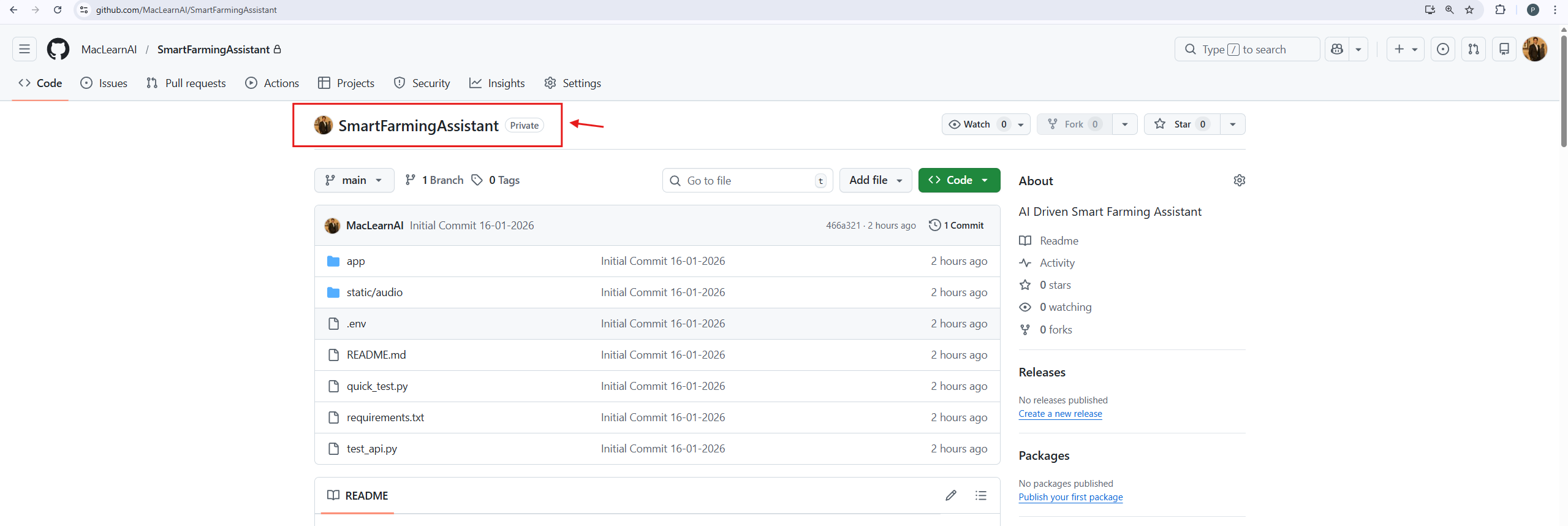
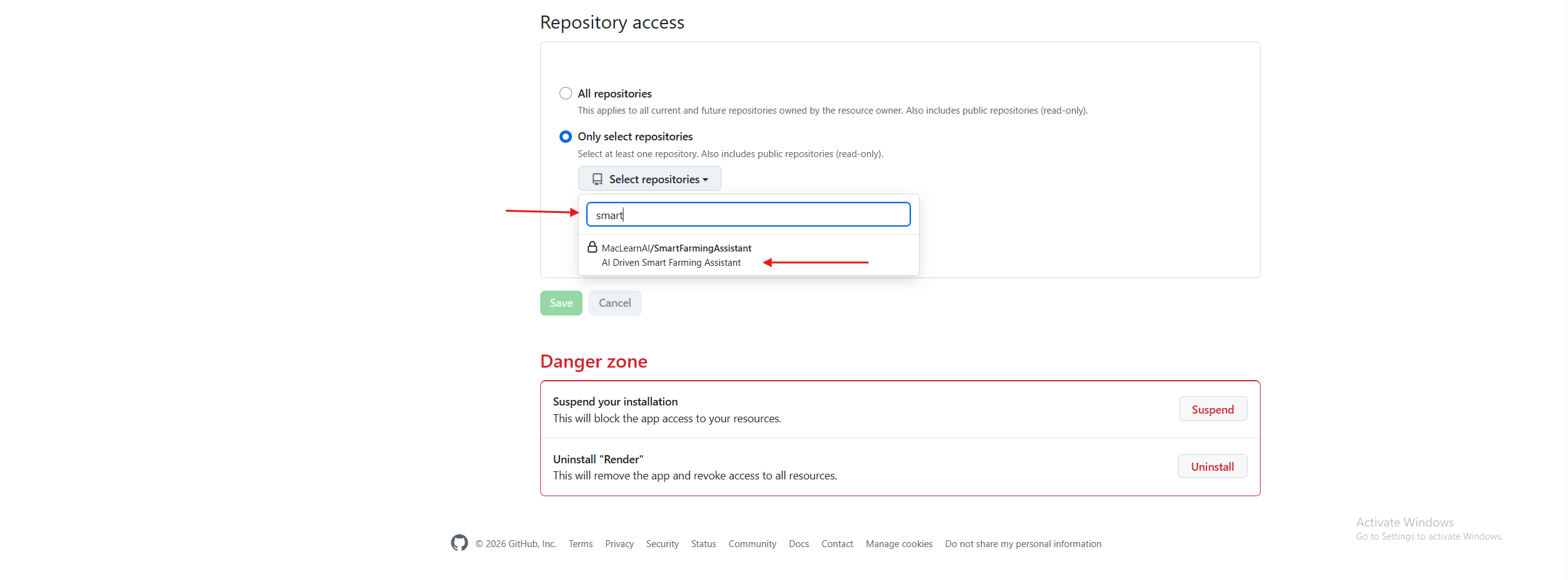
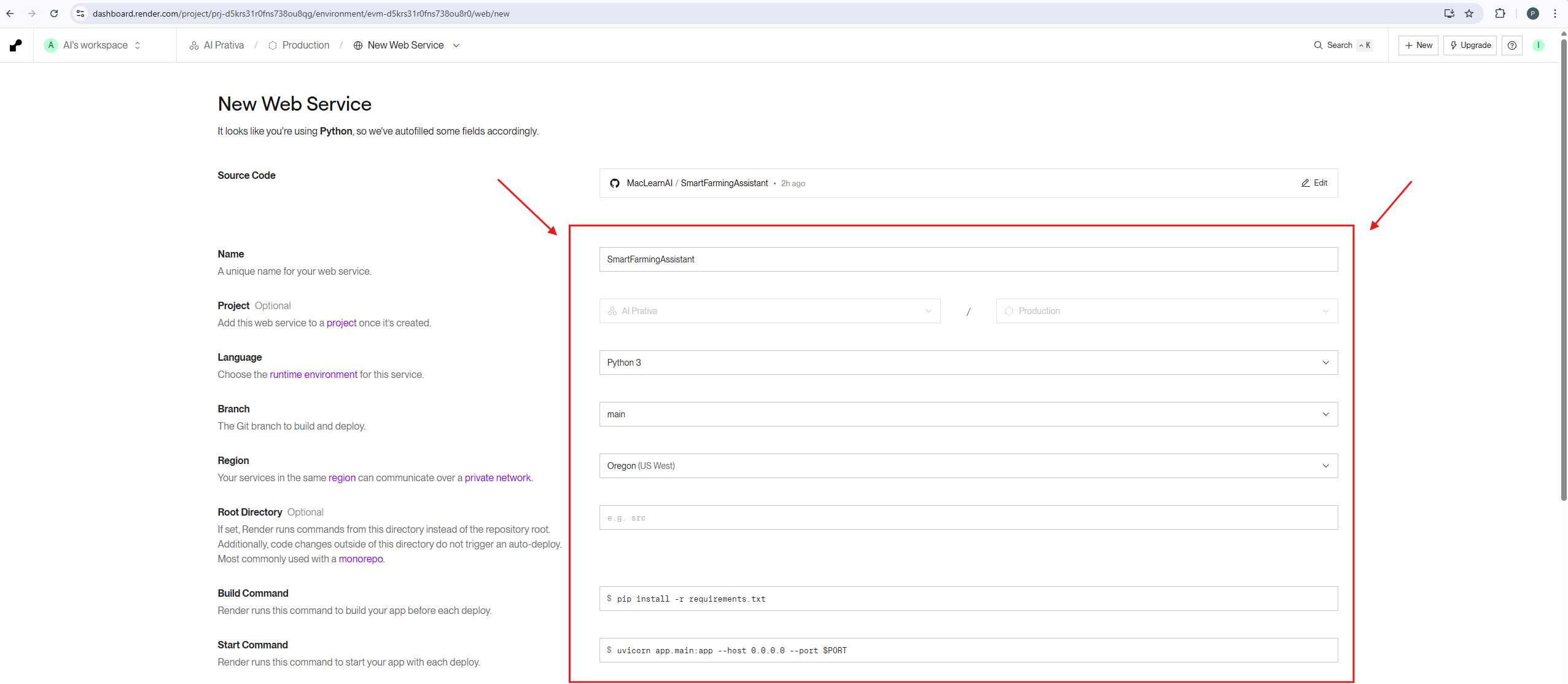
Name : SmartFarmingAssistant
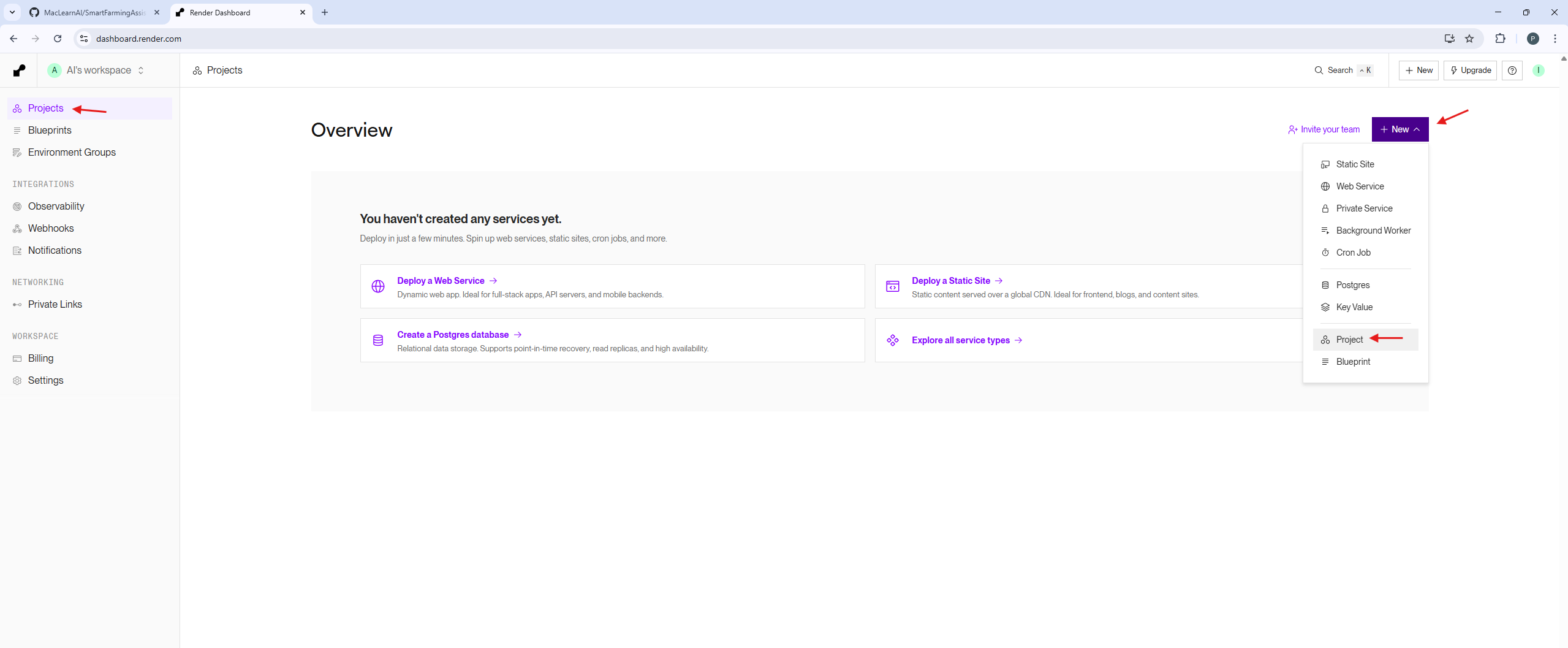
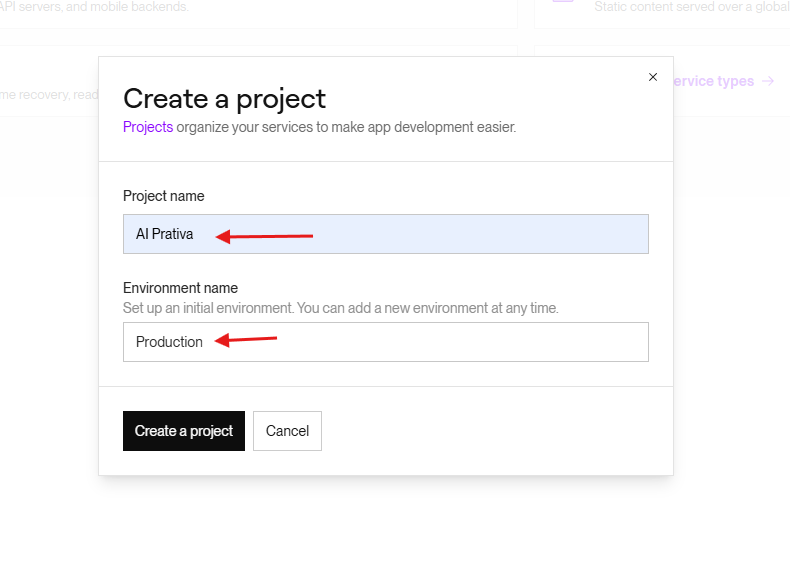
Project : AI Prativa
Language: Python 3
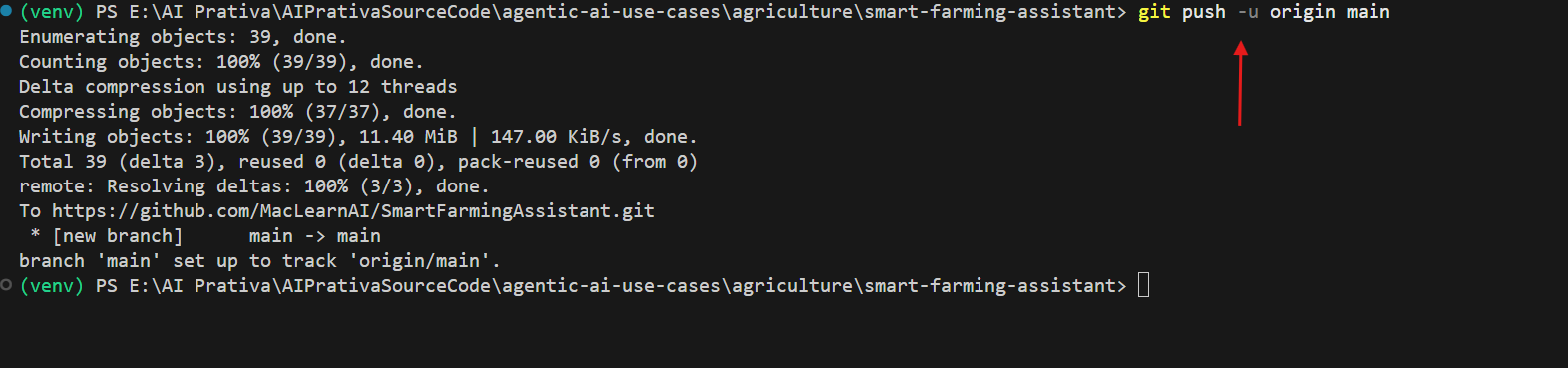
Branch: main
Region: Oregon (US West)
Root Directory: Leave EMPTY
Build Command: pip install -r requirements.txt
Start Command: uvicorn app.main:app – host 0.0.0.0 – port $PORT
Your email address will not be published. Required fields are marked *
Comment *
Name *
Email *
Website
Save my name, email, and website in this browser for the next time I comment.