-
Rashi Phal – nodebook Installation
nodebook Installation
-
Rashi Phal – Install Volta Node Manager
Install Voltas Node Manager https://github.com/volta-cli/volta/releases/v2.0.2 volta install node volta install npm
-
Rashi Phal – How To Setup Virtual Env In Node Project ?
How To Setup Virtual Environment In Node Project?
-
Rashi Phal – TSLab Setup For Type Script Code
TSLab Setup Set-ExecutionPolicy RemoteSigned -Scope CurrentUser irm https://deno.land/install.ps1 | iex deno – version mkdir -p %APPDATA%jupyterkernelsdeno mkdir -p ~/.local/share/jupyter/kernels/deno { "argv": ["deno", "run", "–unstable", "–allow-read", "–allow-net", "{connection_file}"], "display_name": "Deno TypeScript", "language": "typescript" }
-
Rashi Phal – Ascendant Calculation
Ascendant Calculation 1. Interfaces and Constants We start by defining the necessary constants and the expected structure for the input data. // – – 1. CONSTANTS AND INTERFACES – – interface Coordinates { latitude: number; longitude: number; } interface BirthData extends Coordinates { year: number; month: number; day: number; hour: number; // Local Time (24-hour) minute: number; timeZoneOffset: number; // e.g., 5.5 for IST } interface LagnaResult { siderealAscendant: number; jd: number; // Julian Day (for subsequent planet calculations) ayanamshaDeg: number; } // Lahiri Ayanamsha Constants (Simplified Linear Model for Demonstration) const AYANAMSHA_CONSTANTS = { // Approx Lahiri value on
-
Rashi Phal – Place Of Birth Dropdown Suggestion
Place Of Birth Dropdown Selection /** * Get location suggestions as user types */ export async function getLocationSuggestions(query: string): Promise<Array<{ displayName: string; lat: number; lon: number; }>> { if (!query || query.length < 3) { return []; } try { const nominatimUrl = `https://nominatim.openstreetmap.org/search?q=${encodeURIComponent( query )}&format=json&limit=5&addressdetails=1`; const response = await fetch(nominatimUrl, { headers: { 'User-Agent': 'AstrologyApp/1.0', }, }); if (!response.ok) { throw new Error('Failed to fetch suggestions'); } const data = await response.json(); return data.map((item: any) => ({ displayName: item.display_name, lat: parseFloat(item.lat), lon: parseFloat(item.lon), })); } catch (error) { console.error('Location suggestion error:', error); return []; } } import { getCoordinates,
-
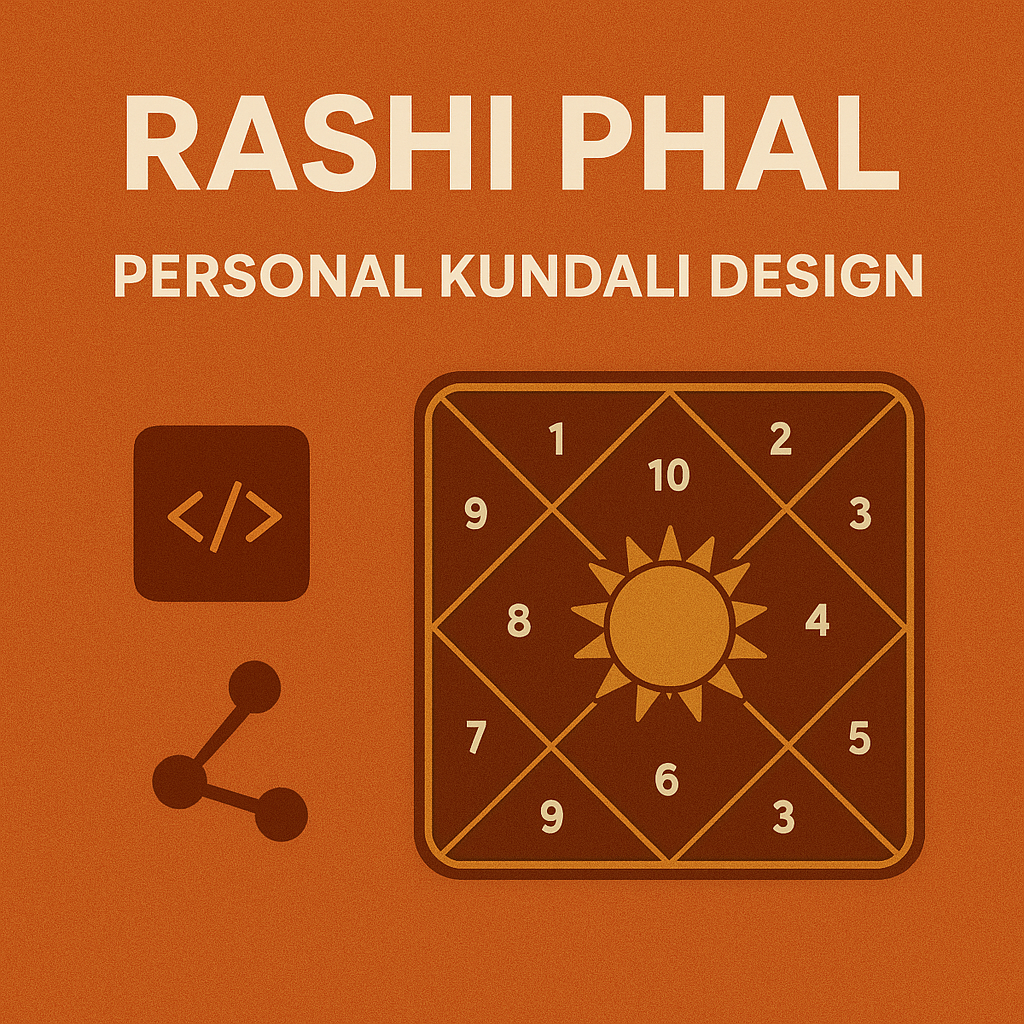
Rashi Phal – Kundali Design
Kundali Design npm install astronomy-engine date-fns dayjs
-
Rashi Phal – Project Related Commands
Project Related Commands (1) Run The Next.js Application npm run dev
-
Rashi Phal – Dependancy Libraries
Dependancy Libraries (1) Styling & Components # shadcn/ui (Highly Recommended – Beautiful, Customizable) npx shadcn-ui@latest init npx shadcn-ui@latest add button card dialog input select # Tailwind CSS (Already in Next.js) npm install -D tailwindcss postcss autoprefixer # Headless UI (For accessible components) npm install @headlessui/react (2) Icons # Lucide React (Modern, clean icons) npm install lucide-react # React Icons (Huge collection) npm install react-icons (3) Animations # Framer Motion (Best animation library) npm install framer-motion # Auto Animate (Simple, lightweight) npm install @formkit/auto-animate (4) Charts & Visualizations (For Kundli, Reports) # Recharts (Simple, powerful charts) npm install recharts # Chart.js
-
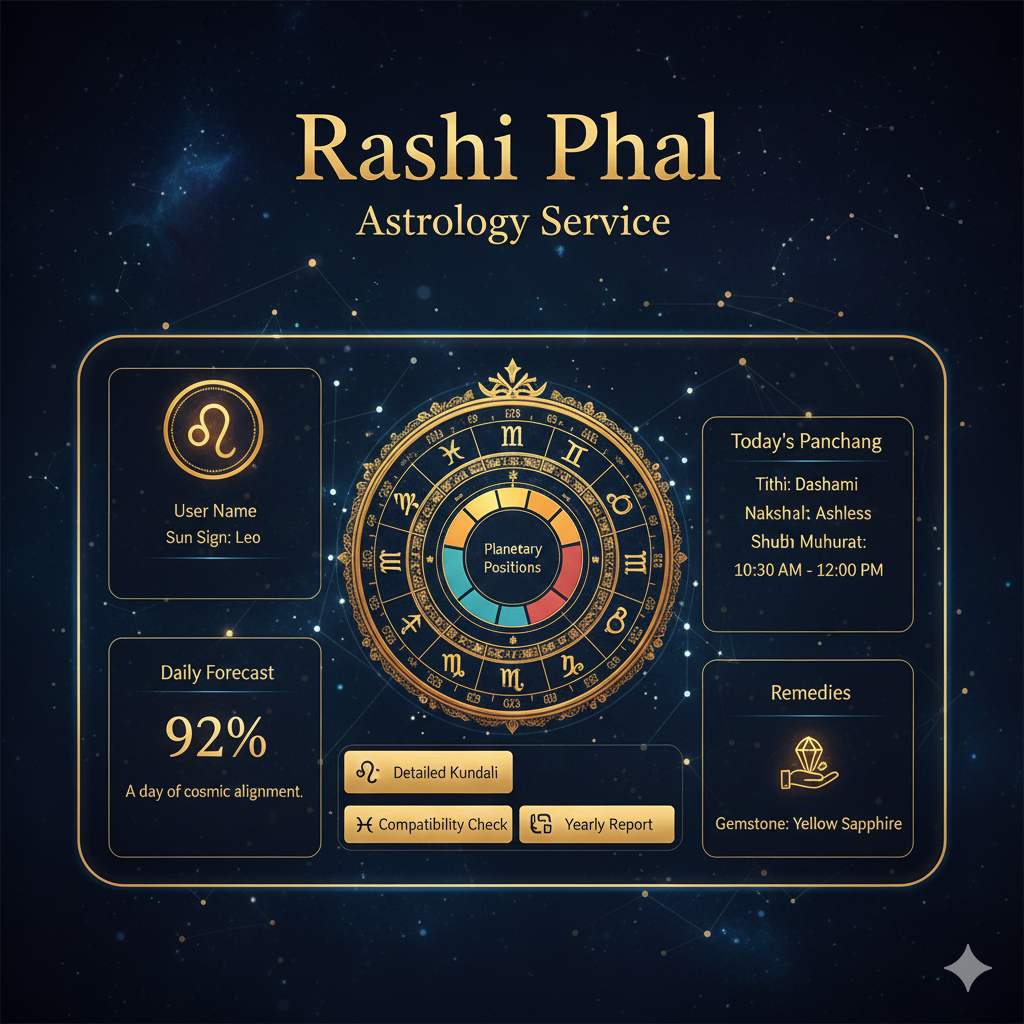
Rashi Phal – Dashboard UI Designing
Dashboard UI Design (1) layout.tsx vs page.tsx (2) What Is A Route (URL) (3) What Is The Starting Point Of The Project (4) Edit The “app/layout.tsx” For Global Layout // app/layout.tsx 'use client'; import { useState, ReactNode } from 'react'; import Link from 'next/link'; import { usePathname } from 'next/navigation'; import './globals.css'; // Navigation items with all services const navigationItems = [ { name: 'Dashboard', path: '/', icon: '📊', category: 'main' }, { name: 'Kundali', path: '/kundali', icon: '🎯', category: 'services' }, { name: 'Dosha Analysis', path: '/dosha', icon: '🔮', category: 'services' }, { name: 'Dasha Periods', path: '/dasha', icon:
