admin
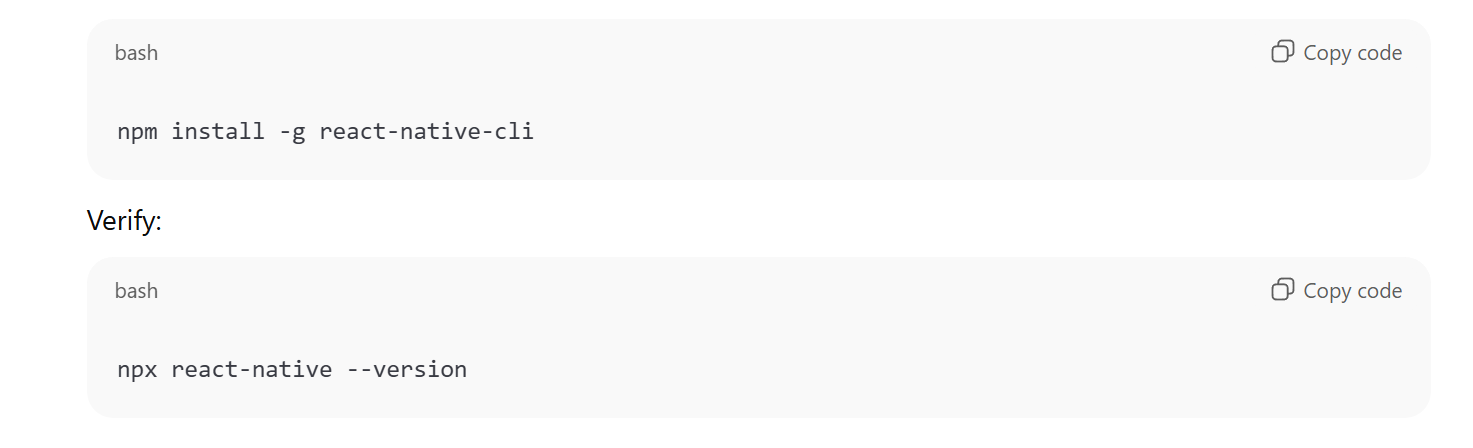
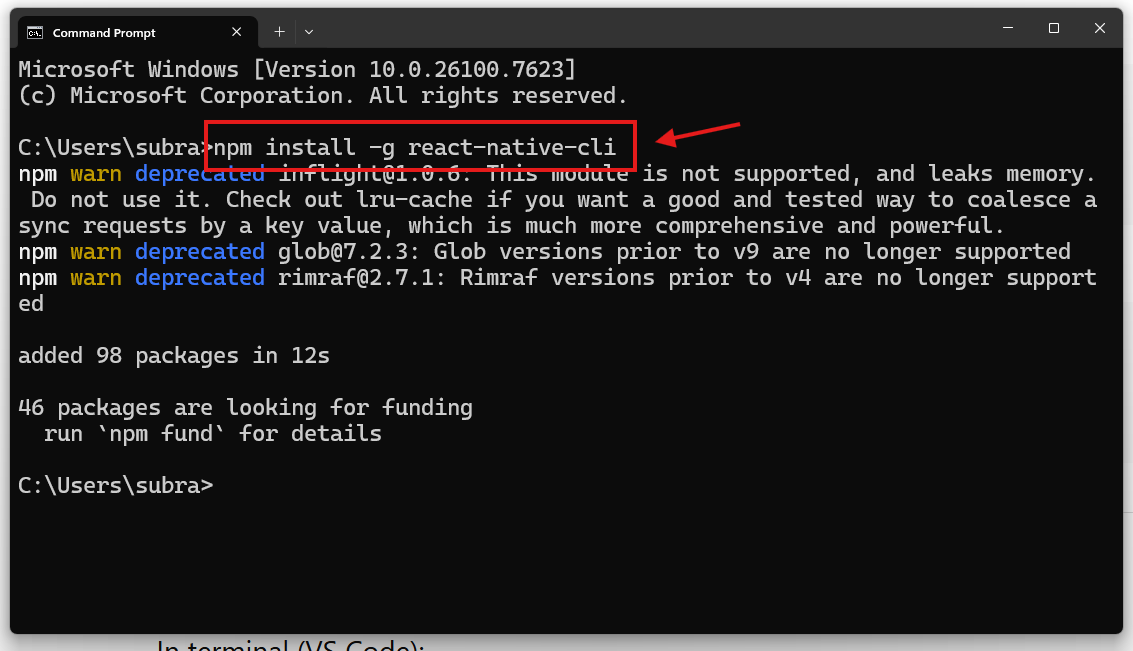
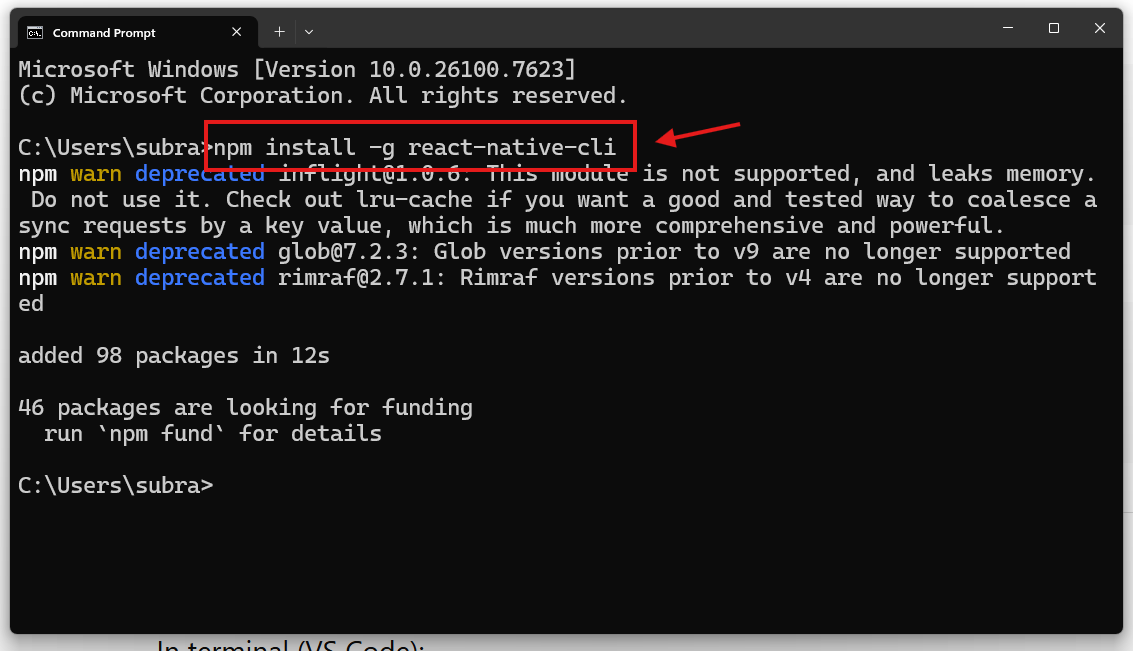
npm install -g react-native-cli
npx react-native – version
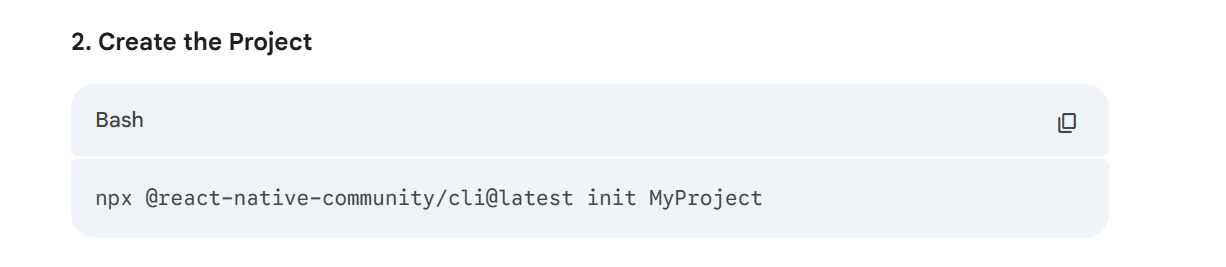
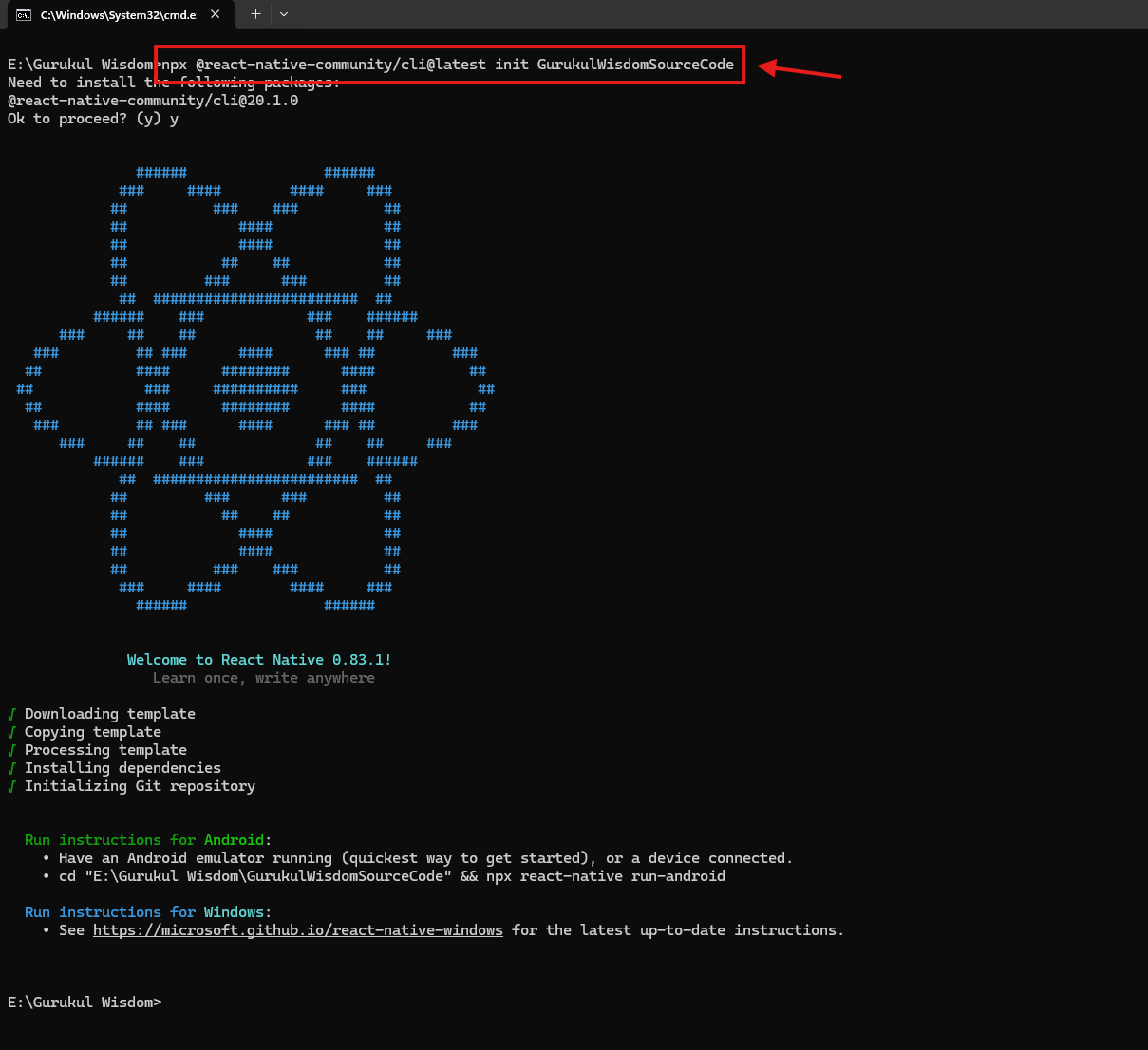
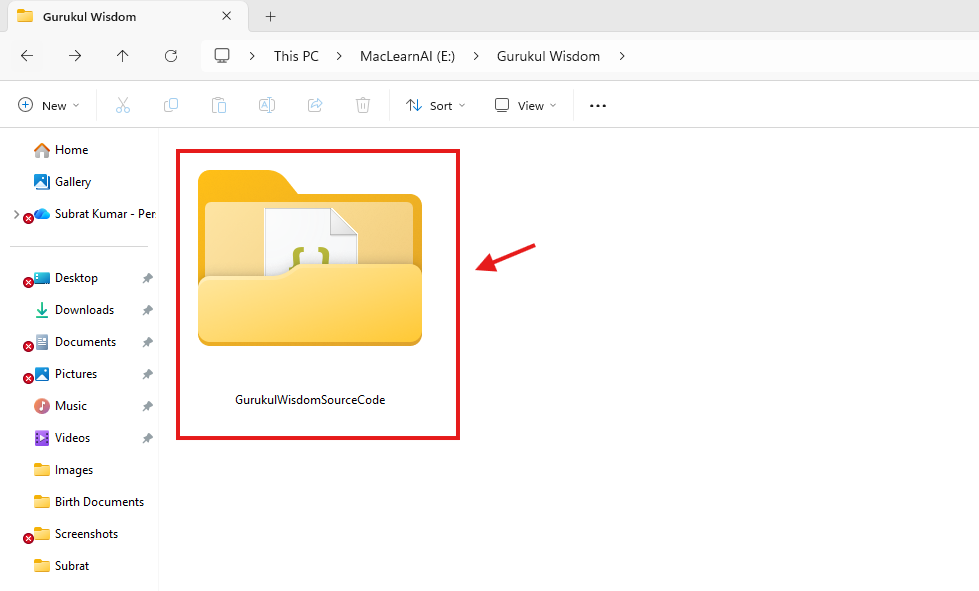
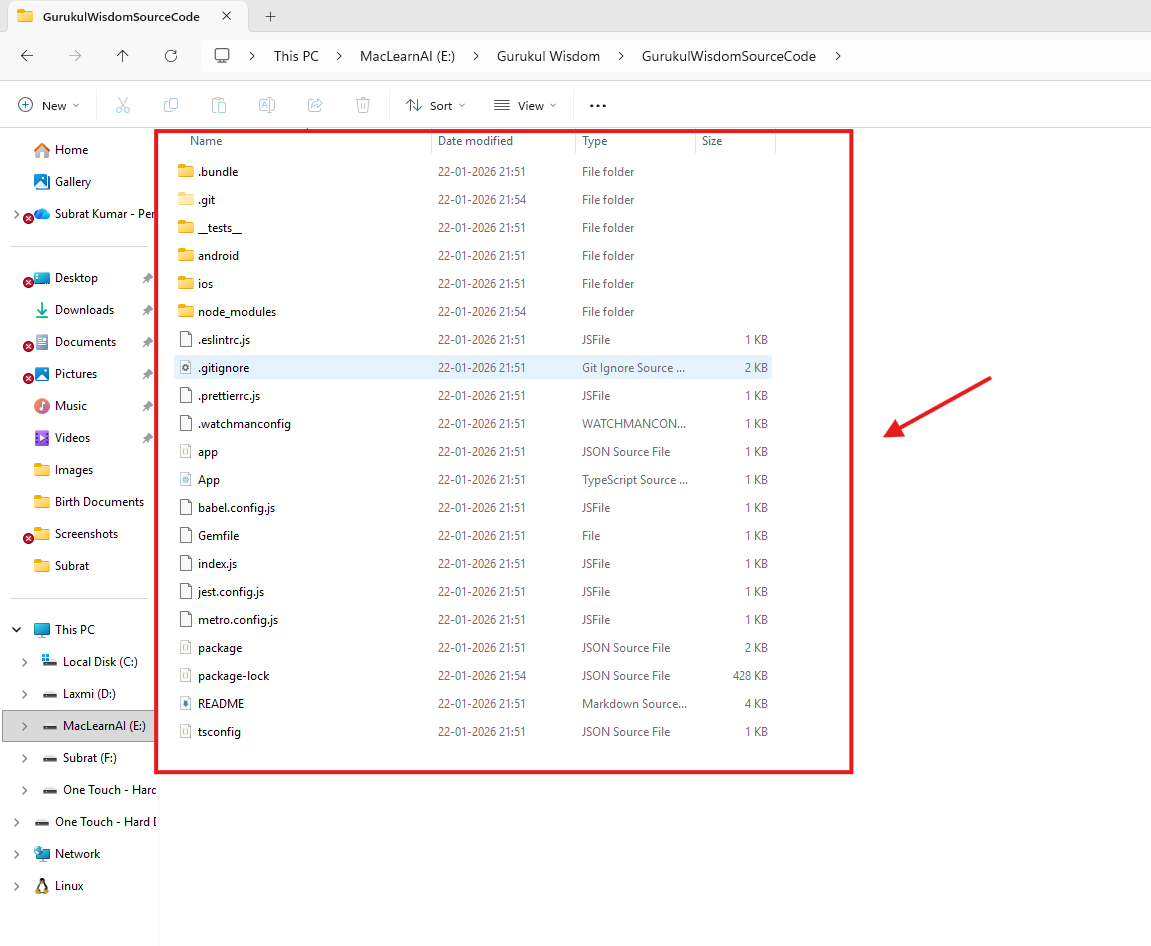
npx @react-native-community/cli@latest init GurukulWisdomSourceCode
cd GurukulWisdomSourceCode
code .
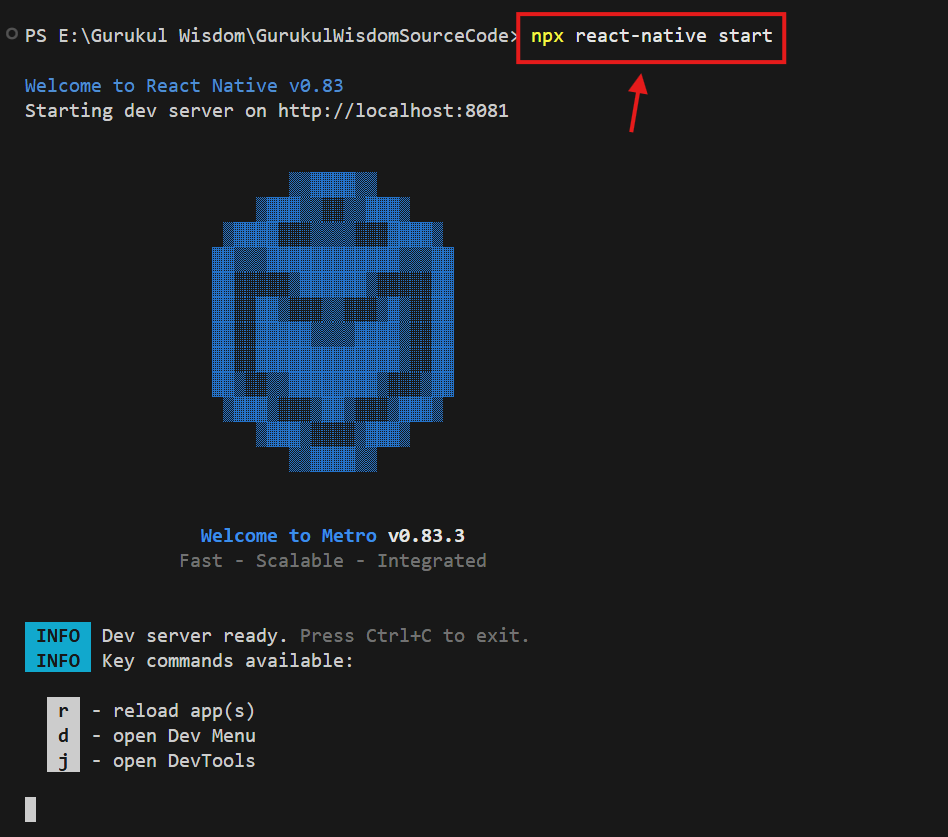
npx react-native start
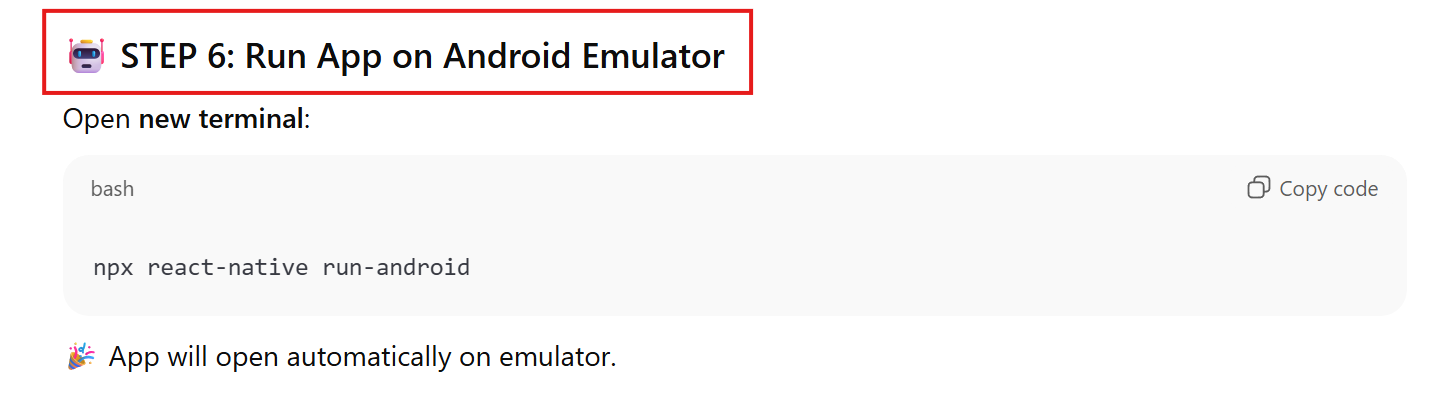
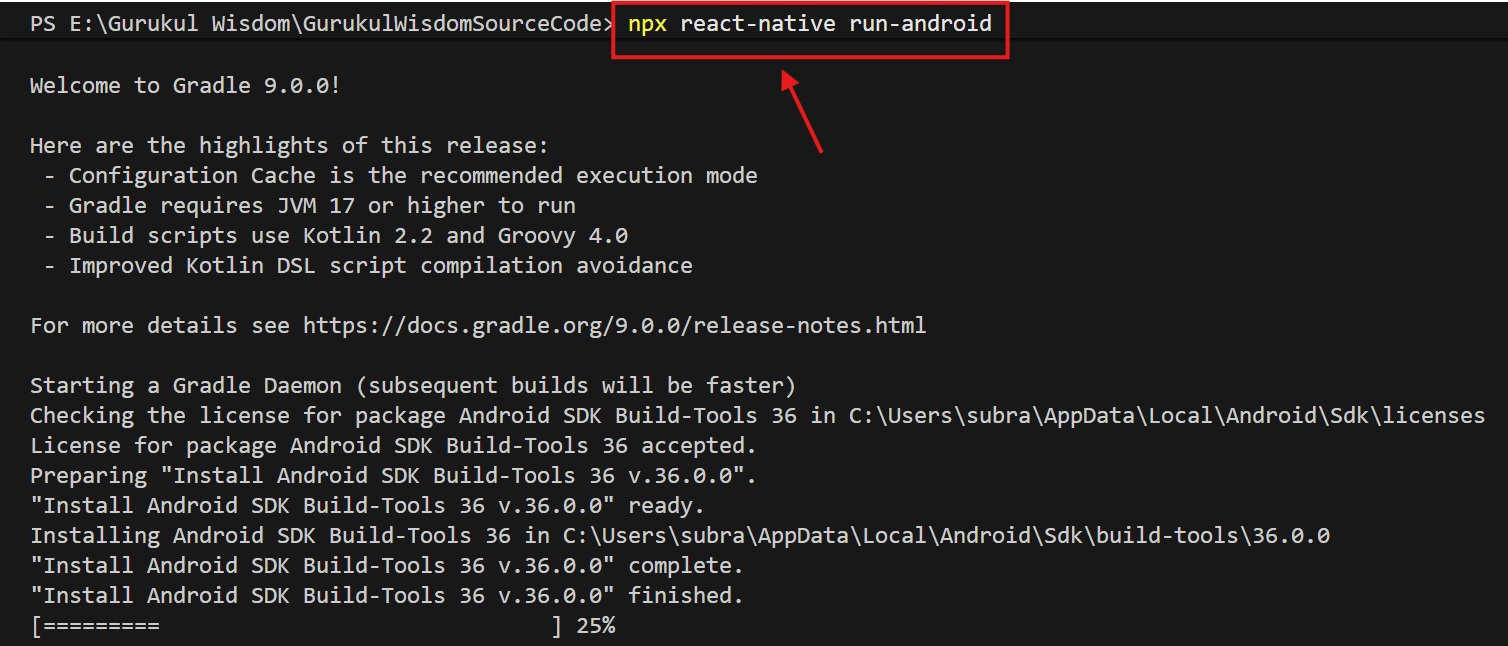
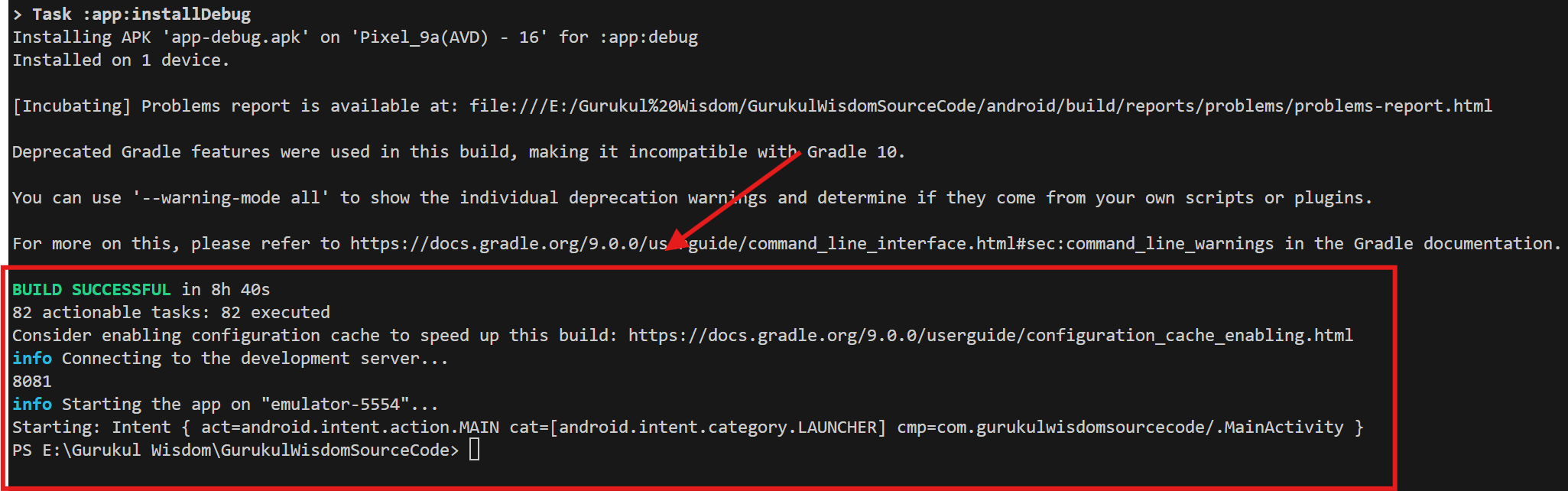
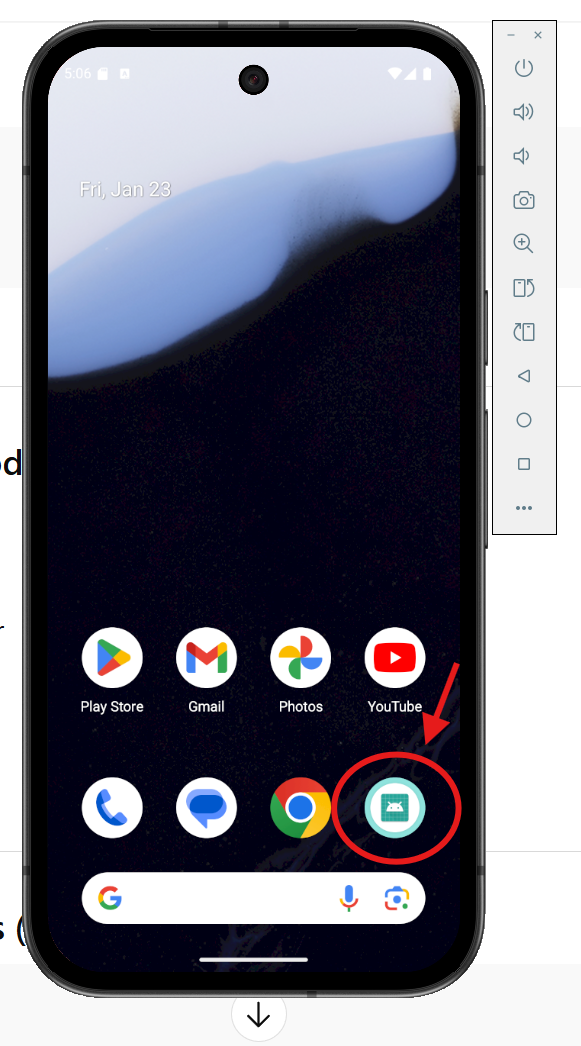
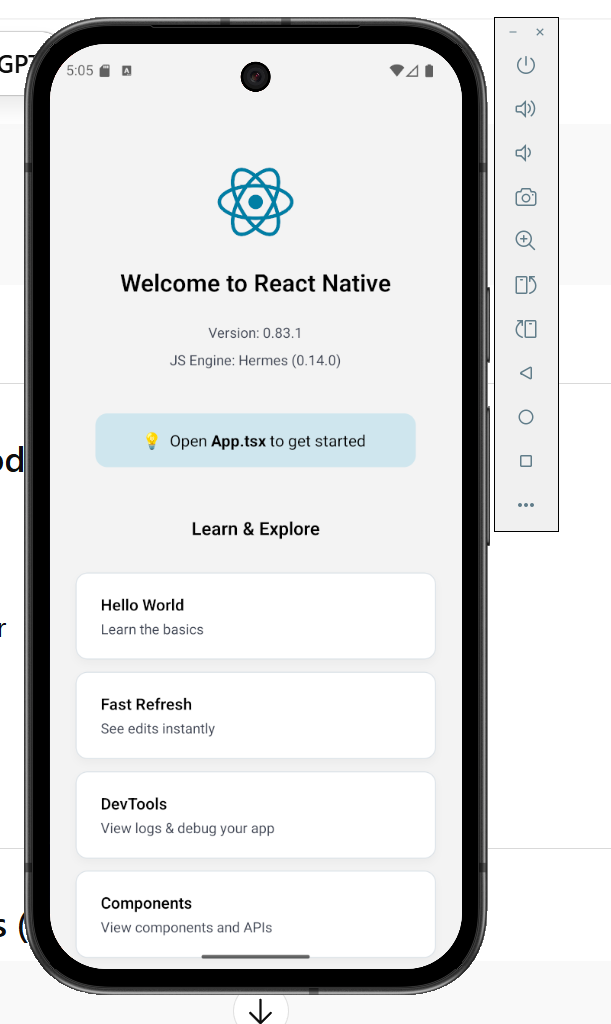
npx react-native run-android
Your email address will not be published. Required fields are marked *
Comment *
Name *
Email *
Website
Save my name, email, and website in this browser for the next time I comment.