
Agentic AI – Long Term Memory
Table Of Contents:
- What Is Long Term Memory.
- Implementation Of Long Term Memory.
- Long Term Memory Storage.
- Reading Long Term Memory.
- Writing Long Term Memory.
(1) What Is Long Term Memory?
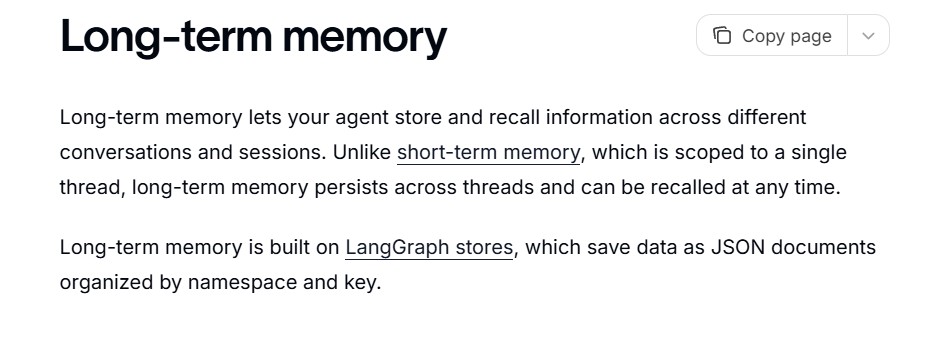
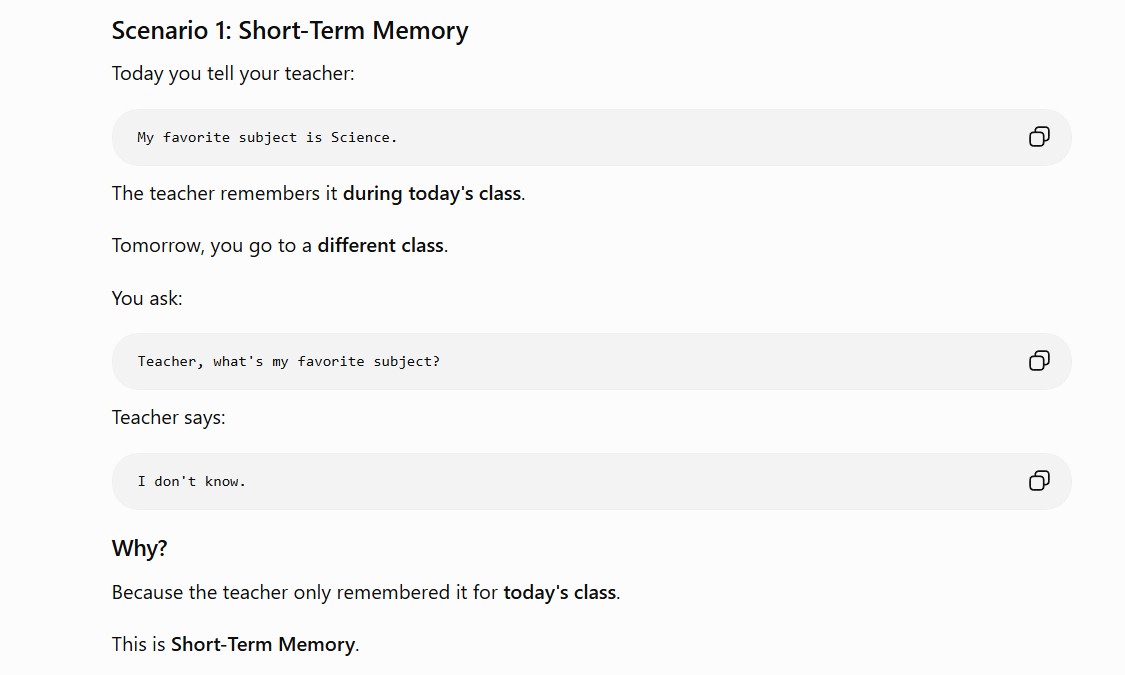
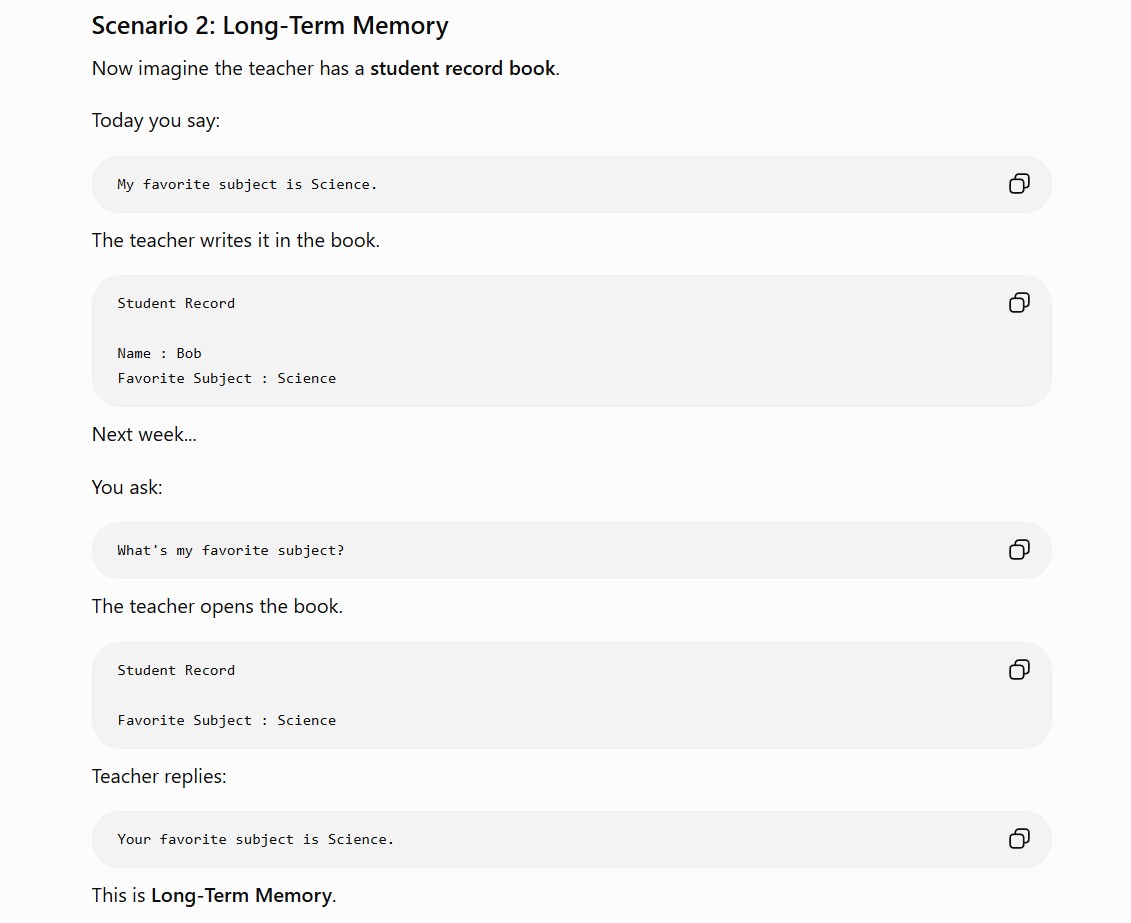
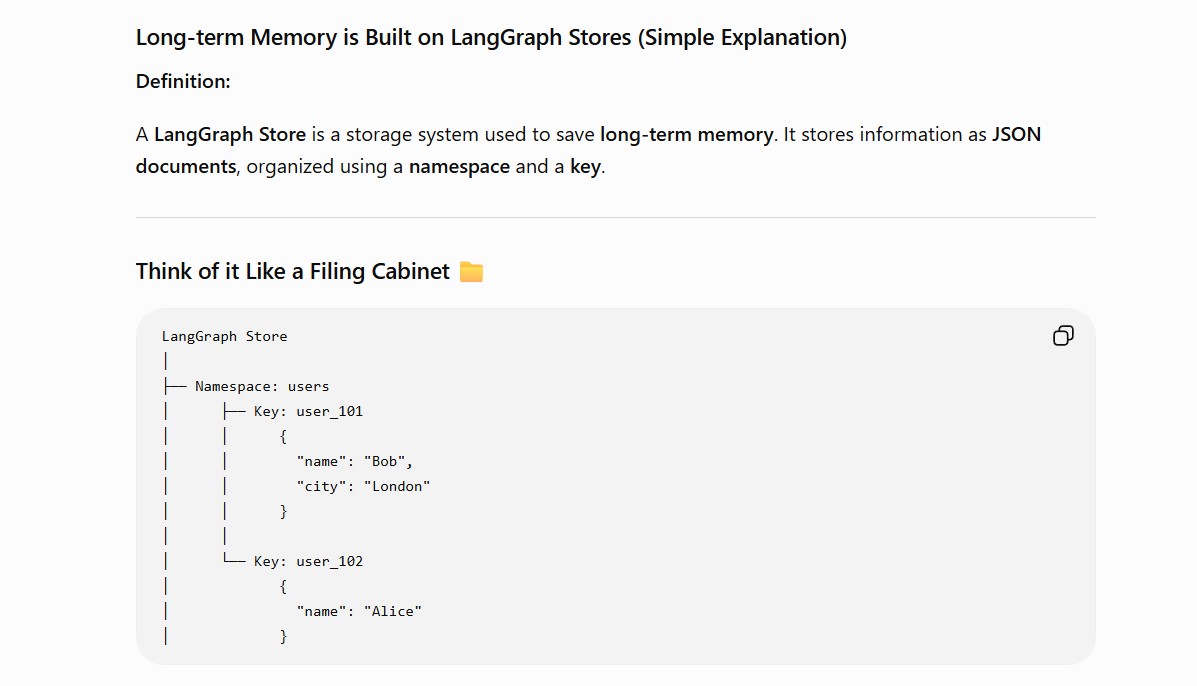
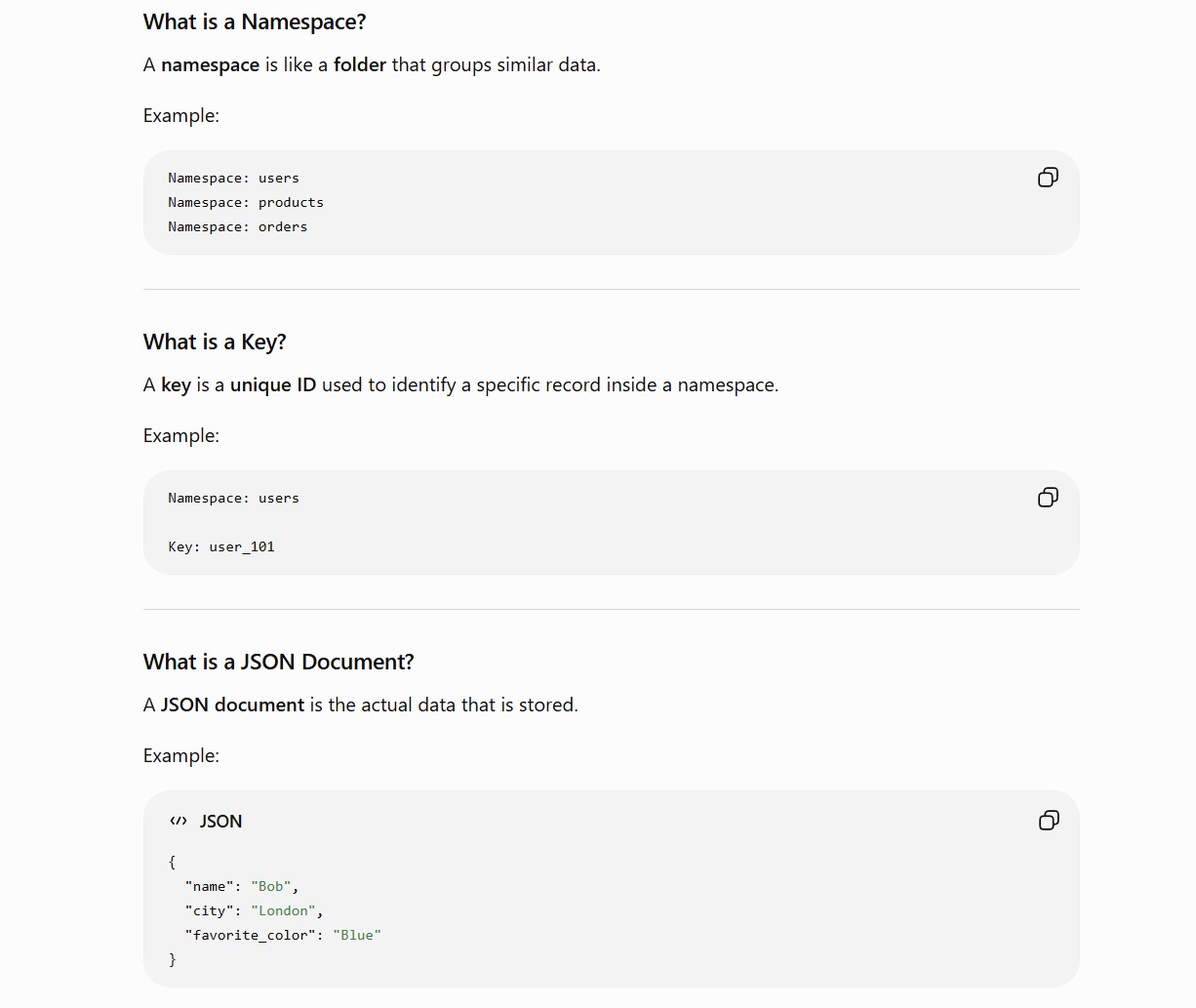
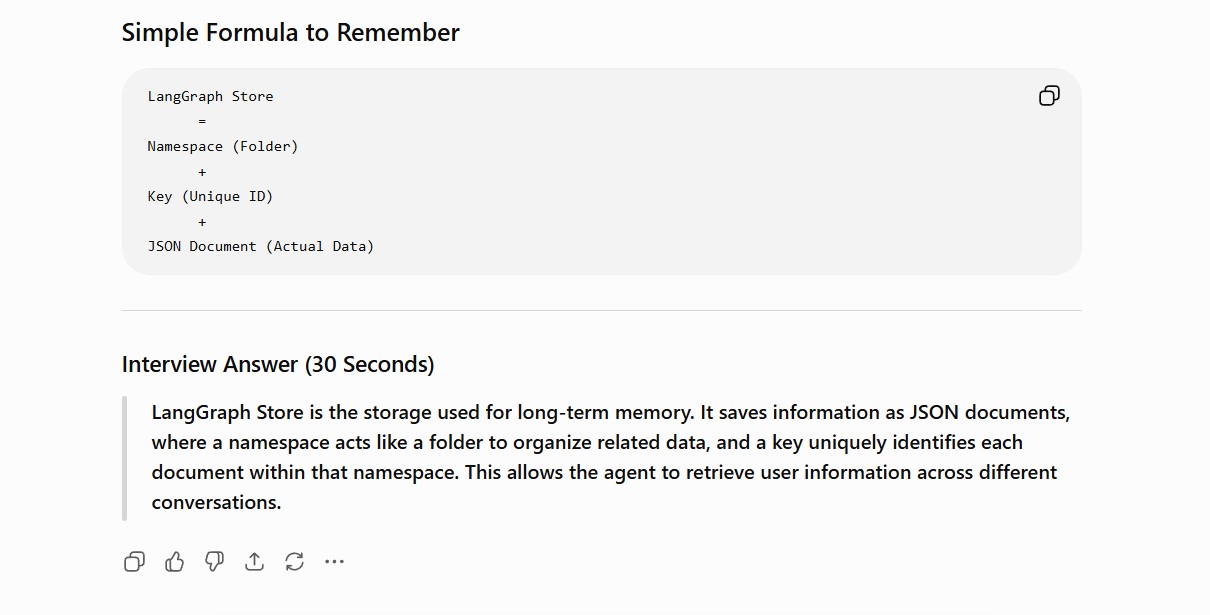
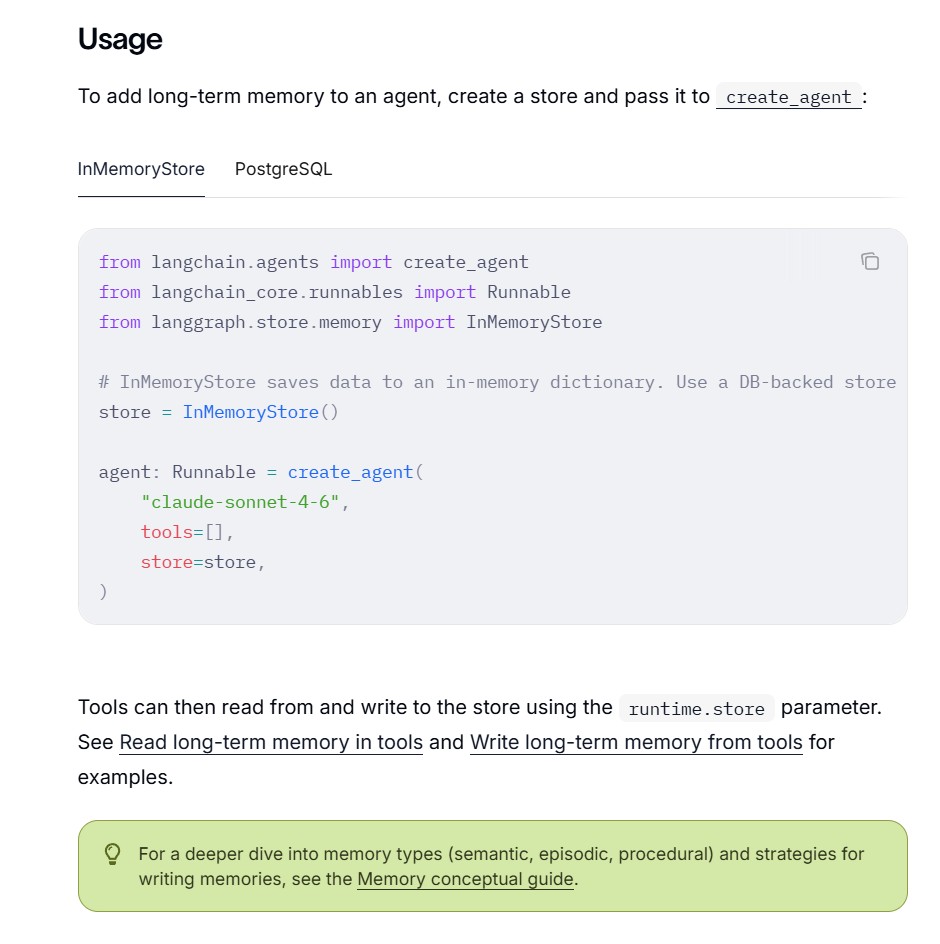
(2) Implementation Of Long Term Memory.
InMemoryStore
PostgreSQL
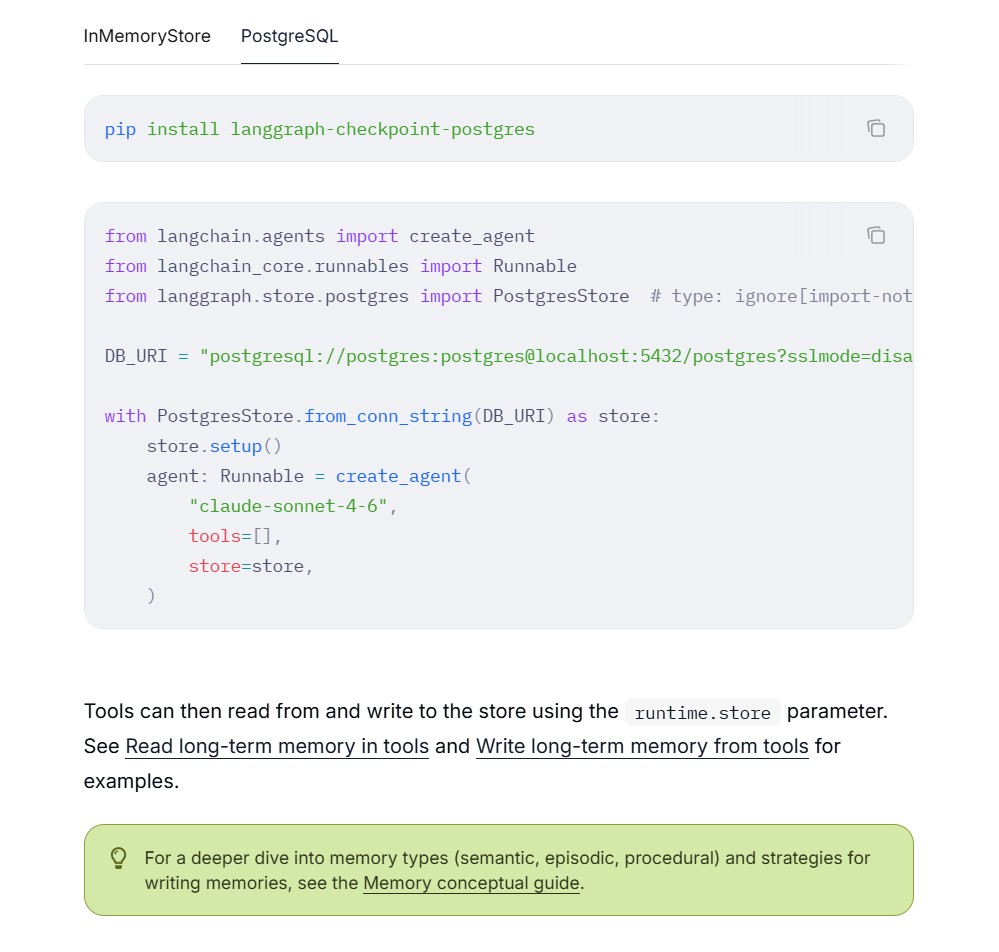
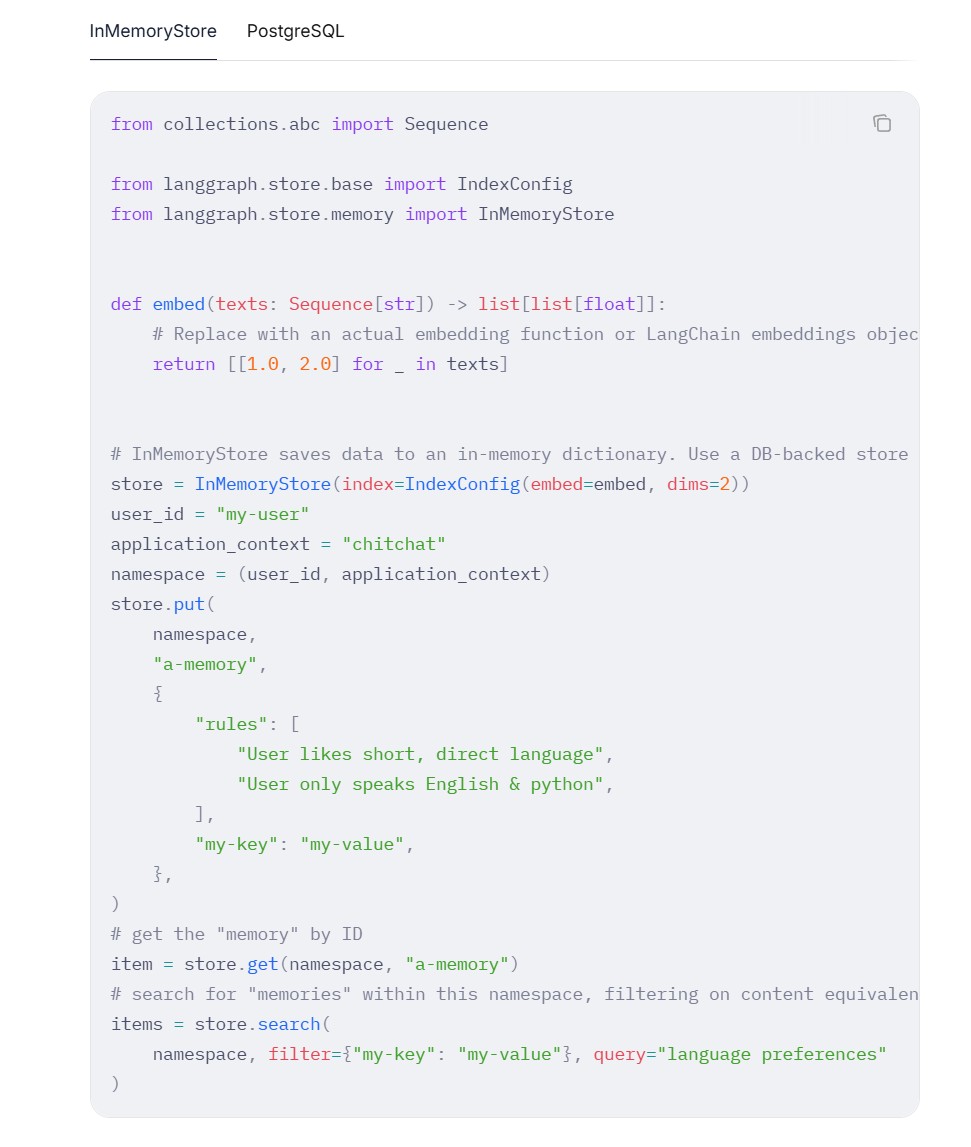
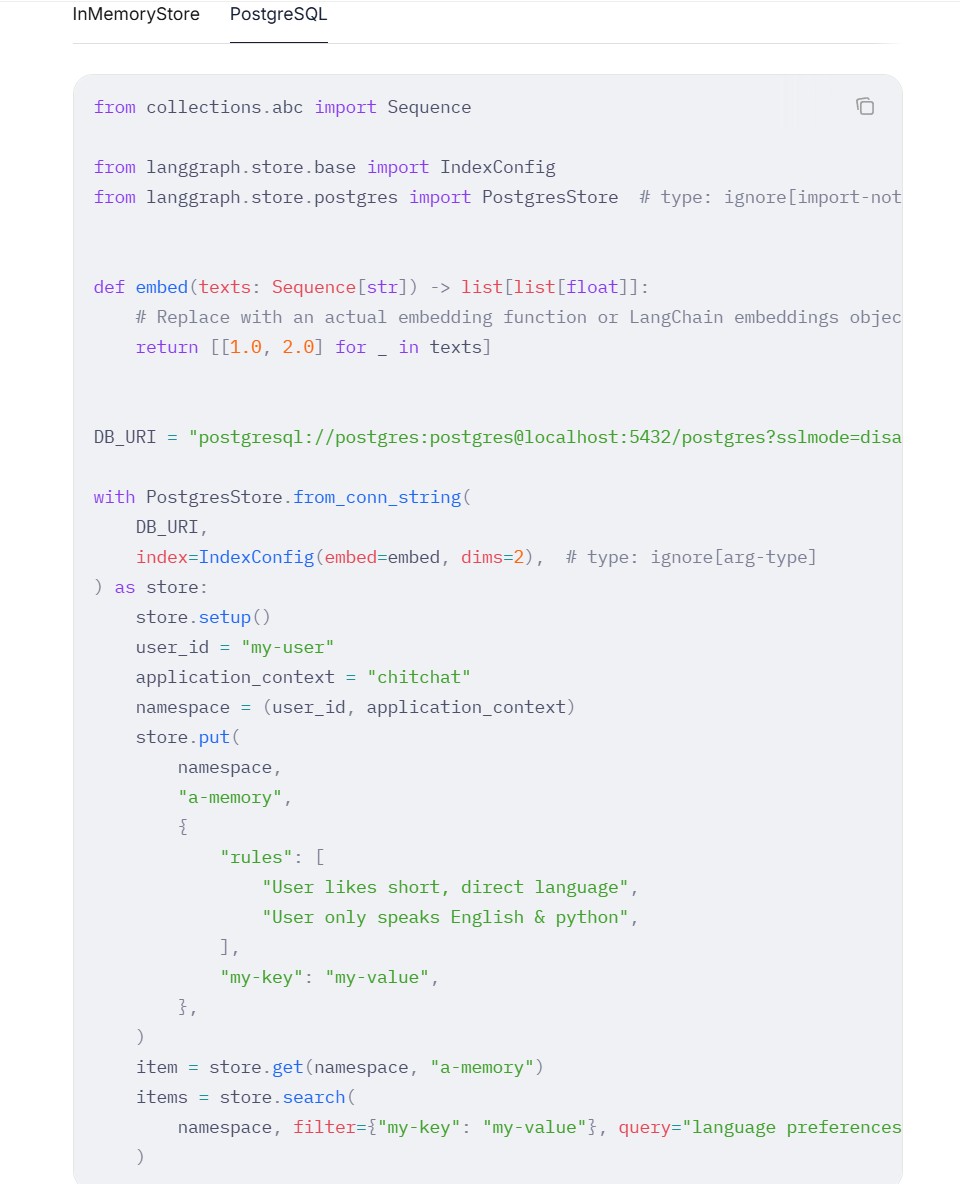
(3) Long Term Memory Storage
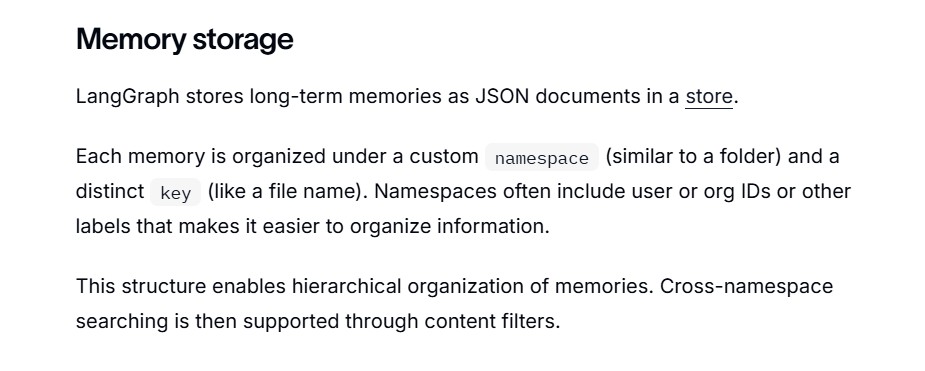
InMemoryStore
PostgreSQL
(4) Reading Long Term Memory
InMemoryStore
from dataclasses import dataclass

from langchain.agents import create_agent
from langchain.tools import ToolRuntime, tool
from langchain_core.runnables import Runnable
from langgraph.store.memory import InMemoryStore


@dataclass
class Context:
    user_id: str


# InMemoryStore saves data to an in-memory dictionary. Use a DB-backed store in production.
store = InMemoryStore()

# Write sample data to the store using the put method
store.put(
    (
        "users",
    ),  # Namespace to group related data together (users namespace for user data)
    "user_123",  # Key within the namespace (user ID as key)
    {
        "name": "John Smith",
        "language": "English",
    },  # Data to store for the given user
)


@tool
def get_user_info(runtime: ToolRuntime[Context]) -> str:
    """Look up user info."""
    # Access the store - same as that provided to `create_agent`
    assert runtime.store is not None
    user_id = runtime.context.user_id
    # Retrieve data from store - returns StoreValue object with value and metadata
    user_info = runtime.store.get(("users",), user_id)
    return str(user_info.value) if user_info else "Unknown user"


agent: Runnable = create_agent(
    model="google_genai:gemini-3.5-flash",
    tools=[get_user_info],
    # Pass store to agent - enables agent to access store when running tools
    store=store,
    context_schema=Context,
)

# Run the agent
agent.invoke(
    {"messages": [{"role": "user", "content": "look up user information"}]},
    context=Context(user_id="user_123"),
)
PostgreSQL
from dataclasses import dataclass

from langchain.agents import create_agent
from langchain.tools import ToolRuntime, tool
from langchain_core.runnables import Runnable
from langgraph.store.postgres import PostgresStore  # type: ignore[import-not-found]


@dataclass
class Context:
    user_id: str


DB_URI = "postgresql://postgres:postgres@localhost:5432/postgres?sslmode=disable"

with PostgresStore.from_conn_string(DB_URI) as store:
    store.setup()
    store.put(("users",), "user_123", {"name": "John Smith", "language": "English"})

    @tool
    def get_user_info(runtime: ToolRuntime[Context]) -> str:
        """Look up user info."""
        assert runtime.store is not None
        user_info = runtime.store.get(("users",), runtime.context.user_id)
        return str(user_info.value) if user_info else "Unknown user"

    agent: Runnable = create_agent(
        "claude-sonnet-4-6",
        tools=[get_user_info],
        store=store,
        context_schema=Context,
    )

    result = agent.invoke(
        {"messages": [{"role": "user", "content": "look up user information"}]},
        context=Context(user_id="user_123"),
    )
(5) Writing Long Term Memory
InMemoryStore
from dataclasses import dataclass

from langchain.agents import create_agent
from langchain.tools import ToolRuntime, tool
from langchain_core.runnables import Runnable
from langgraph.store.memory import InMemoryStore
from typing_extensions import TypedDict

# InMemoryStore saves data to an in-memory dictionary. Use a DB-backed store in production.
store = InMemoryStore()


@dataclass
class Context:
    user_id: str


# TypedDict defines the structure of user information for the LLM
class UserInfo(TypedDict):
    name: str


# Tool that allows agent to update user information (useful for chat applications)
@tool
def save_user_info(user_info: UserInfo, runtime: ToolRuntime[Context]) -> str:
    """Save user info."""
    # Access the store - same as that provided to `create_agent`
    assert runtime.store is not None
    store = runtime.store
    user_id = runtime.context.user_id
    # Store data in the store (namespace, key, data)
    store.put(("users",), user_id, dict(user_info))
    return "Successfully saved user info."


agent: Runnable = create_agent(
    model="google_genai:gemini-3.5-flash",
    tools=[save_user_info],
    store=store,
    context_schema=Context,
)

# Run the agent
agent.invoke(
    {"messages": [{"role": "user", "content": "My name is John Smith"}]},
    # user_id passed in context to identify whose information is being updated
    context=Context(user_id="user_123"),
)

# You can access the store directly to get the value
item = store.get(("users",), "user_123")
PostgreSQL
from dataclasses import dataclass

from langchain.agents import create_agent
from langchain.tools import ToolRuntime, tool
from langchain_core.runnables import Runnable
from langgraph.store.postgres import PostgresStore  # type: ignore[import-not-found]
from typing_extensions import TypedDict


@dataclass
class Context:
    user_id: str


class UserInfo(TypedDict):
    name: str


@tool
def save_user_info(user_info: UserInfo, runtime: ToolRuntime[Context]) -> str:
    """Save user info."""
    assert runtime.store is not None
    runtime.store.put(("users",), runtime.context.user_id, dict(user_info))
    return "Successfully saved user info."


DB_URI = "postgresql://postgres:postgres@localhost:5432/postgres?sslmode=disable"

with PostgresStore.from_conn_string(DB_URI) as store:
    store.setup()
    agent: Runnable = create_agent(
        "claude-sonnet-4-6",
        tools=[save_user_info],
        store=store,
        context_schema=Context,
    )

    agent.invoke(
        {"messages": [{"role": "user", "content": "My name is John Smith"}]},
        context=Context(user_id="user_123"),
    )