admin
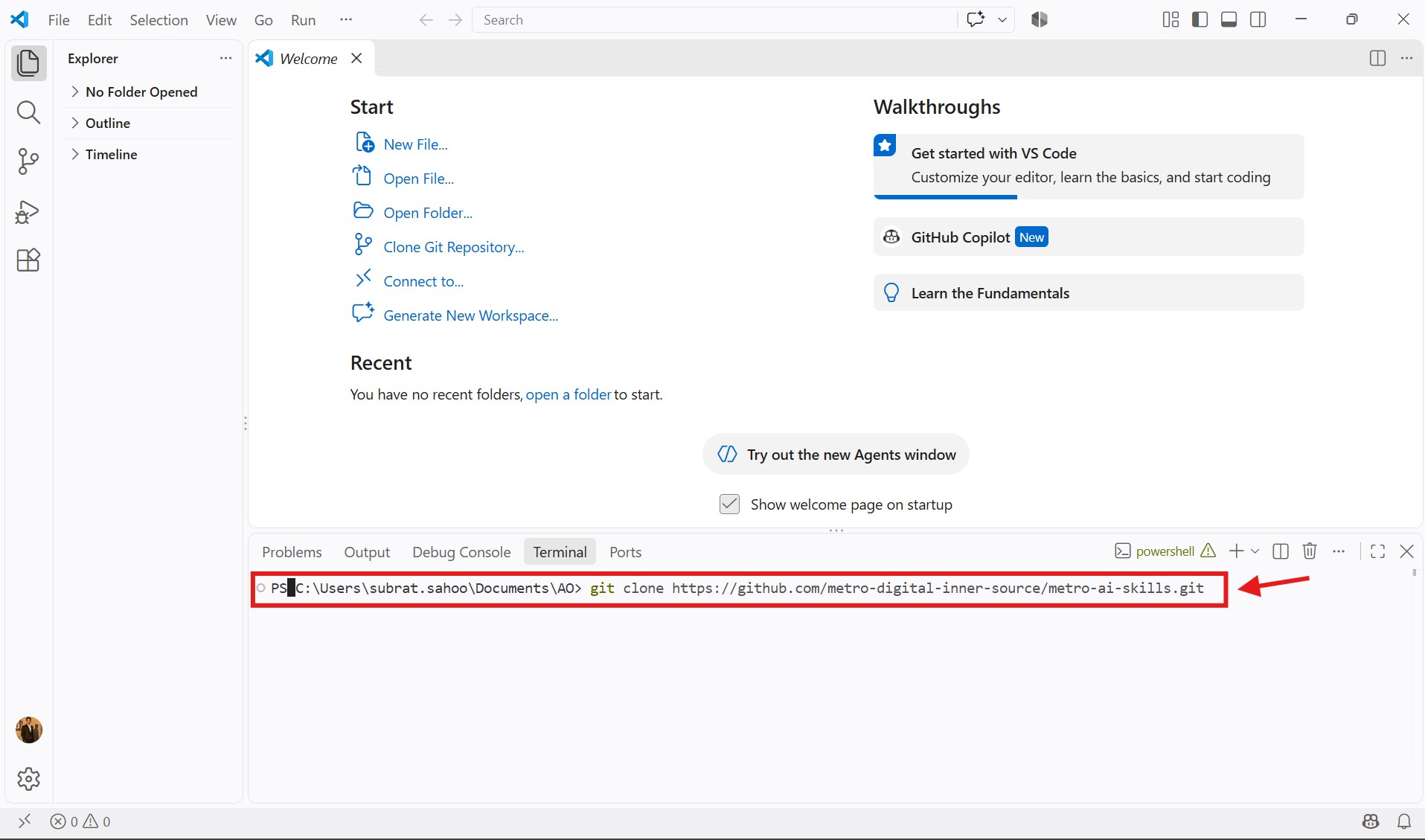
git clone https://github.com/metro-digital-inner-source/dasc_assortment_delisting.git
cd AO
git status
git branch
git pull origin main
git switch -c subrat/ao-learning
git branch
The * indicates the branch you're currently working on.
Open and edit the project files. Then check what changed:
git status
git diff
git status shows changed and untracked files.
git diff shows the actual changes to tracked files.
git add .
git status
git commit -m "Describe your changes"
git push -u origin subrat/ao-learning
Your email address will not be published. Required fields are marked *
Comment *
Name *
Email *
Website
Save my name, email, and website in this browser for the next time I comment.