-
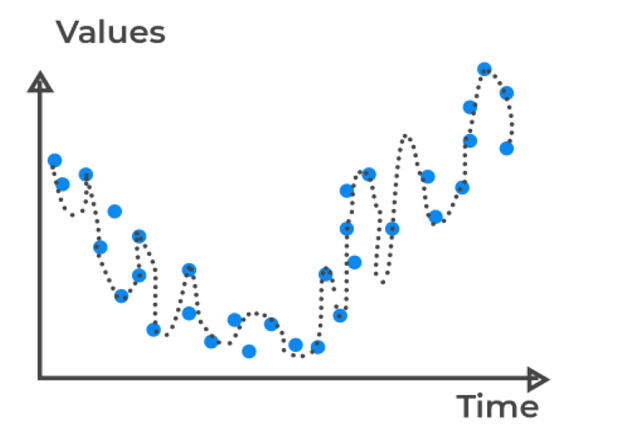
What Is Variance In Statistics ?
What Is Variance In Statistics? Table Of Contents: What Is Variance? Examples Of Variance. How To Calculate Variance? Advantages & Disadvantages Of Variance. Why Does Variance Matters? (1) What Is Variance ? Variance refers to how the individual data points vary from each other in a sample dataset. It is the statistical measurement of the spread between numbers in a data set. More specifically, variance measures how far each number in the set is from the mean (average), and thus from every other number in the set. Variance is often depicted by this symbol: σ2. (2) Examples Of Variance ? Example-1 When
-
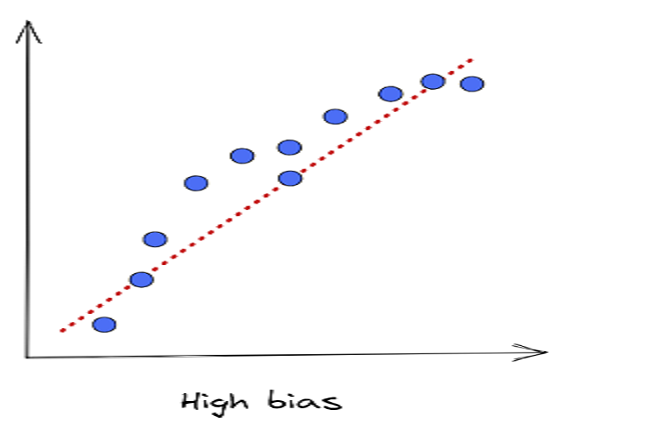
What Is Bias In Statistics?
What Is Bias In Statistics? Table Of Contents: What Is Bias? How To Calculate Bias? Types Of Bias. Examples Of Bias. How To Avoid Sampling Bias. (1) What Is Bias ? Bias refers to the inclination for or against one person or group, especially in a way considered to be unfair. Bias refers to the flaw in the experiment design or data collection process, which generates results that don’t accurately represent the population. Bias mainly occurs due to human action, if you can control the human factor in your experiment, you can reduce the ‘Bias’. (2) How To Calculate Bias
-

Q & A – Pandas Advance Interview Questions
(1) Difference Between “apply()” and “applymap()” Method In Pandas. Main difference between “apply()” and “applymap()” is that, “apply()” method applies the function entirely by taking a row or column as an argument. “applymap()” method applies the function elementwise to each row or each column. Example import pandas as pd df1 = pd.DataFrame({‘names’: [‘Subrat’, ‘Arpita’, ‘Abhispa’, ‘Subhada’, ‘Sonali’], ‘marks’: [67, 75, 84, 90, 99]}) df1 df1.apply(lambda x:len(x)) Output: Note: Here ‘5’ represents the total elements inside the ‘name’ and ‘marks’ columns. Here apply() considered ‘name’ and ‘column’ as a series and calculated its length. df1.applymap(lambda x: len(str(x))) Output: Note: Here applymap()
-

Q & A – Pandas Basics
(1) What Is Pandas In Python? Pandas is an open-source, python-based library used in data manipulation applications requiring high performance. The name is derived from “Panel Data” having multidimensional data. This was developed in 2008 by Wes McKinney and was developed for data analysis. Pandas are useful in performing 5 major steps of data analysis – Load the data, clean/manipulate it, prepare it, model it, and analyze the data. (2) Define Pandas dataFrame? A data frame is a 2D mutable and tabular structure for representing data labelled with axes – rows and columns. The syntax for creating a data frame:
-
Q & A – Python Advanced
(1) How Are Arguments Passed By Value Or By Reference In python? Pass by value: A copy of the actual object is passed. Changing the value of the copy of the object will not change the value of the original object. Pass by reference: Reference to the actual object is passed. Changing the value of the new object will change the value of the original object. In Python, arguments are passed by reference, i.e., reference to the actual object is passed. Example-1: def appendNumber(array): array.append(4) arr = [1, 2, 3] # Mutable Object print(arr) appendNumber(arr) print(arr) [1, 2, 3] [1,
-

Q & A – Python Miscellaneous.
(1) What is Python? What are the benefits of using Python What Is Python: Python is a high-level, interpreted, general-purpose programming language. Being a general-purpose language, it can be used to build almost any type of application with the right tools/libraries. Additionally, python supports objects, modules, threads, exception-handling, and automatic memory management which help in modelling real-world problems and building applications to solve these problems. Benefits Of Using Python: Python is a general-purpose programming language that has a simple, easy-to-learn syntax that emphasizes readability and therefore reduces the cost of program maintenance. Moreover, the language is capable of scripting, is
-

Q & A – Python Dictionary
(1) What Is A Python Dictionary? How Does It Work? Python Dictionary objects are data types that are enclosed in curly braces ‘{}’ and have key and value pairs and each pair is separated by a comma. The dictionary is mapped. Meaning since it has key and value pair, a meaningful key can save a lot of trouble for coders, like using an address key to save all the addresses, an id key for all id’s and so on. Moreover, as of Python >3.6, dictionaries also preserve the order. Example-1 student = {‘Name’:’Subrat’, ‘Subject’:’Math’, ‘Mark’:88} print(student) {‘Name’: ‘Subrat’, ‘Subject’: ‘Math’,
-
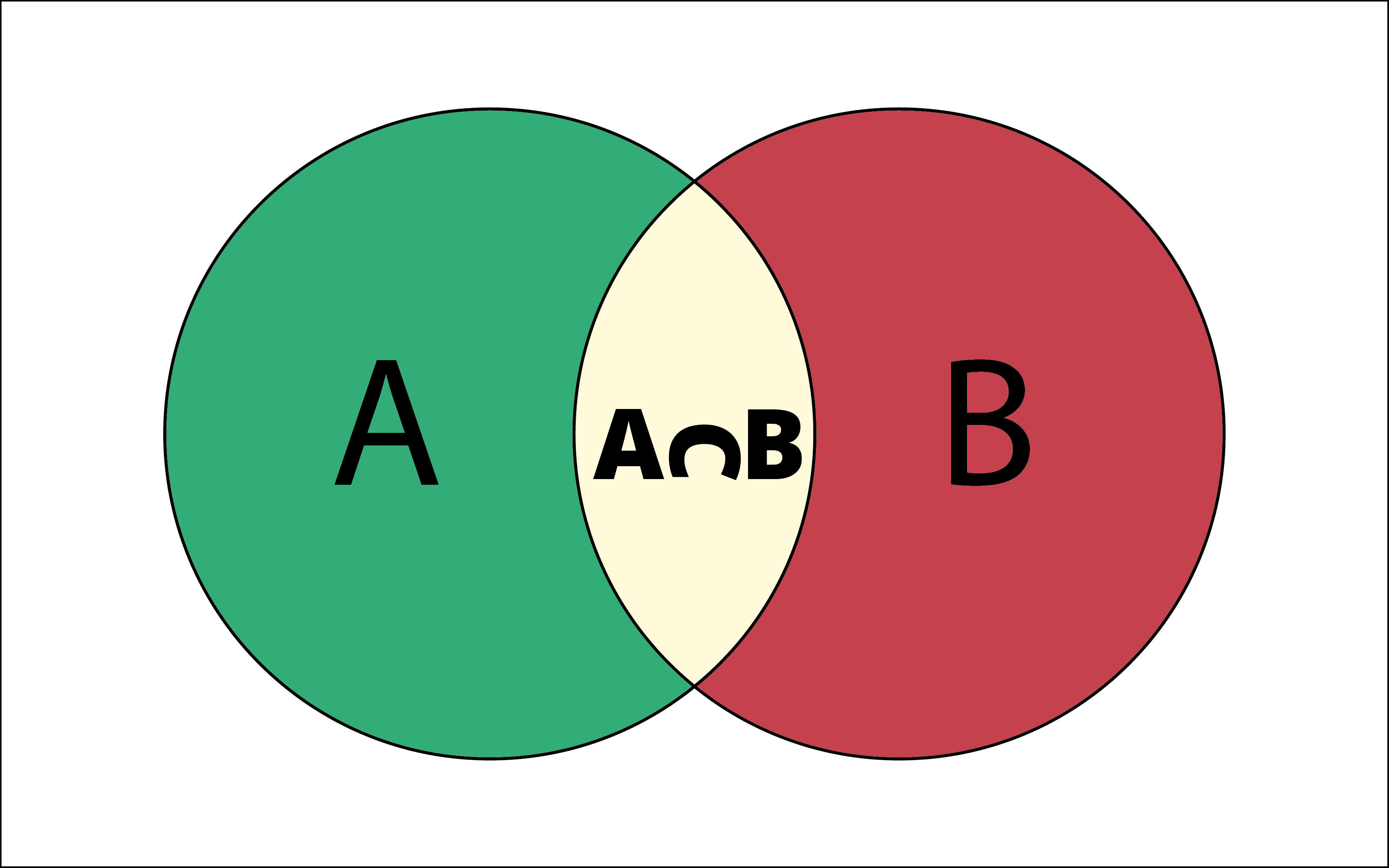
Q & A – Python Set
(1) What Is A Set Data Structure? A Set is an unordered collection data type that is iterable, mutable and has no duplicate elements. Set is represented by { } (values enclosed in curly braces) The major advantage of using a set, as opposed to a list, is that it has a highly optimized method for checking whether a specific element is contained in the set. This is based on a data structure known as a hash table. Since sets are unordered, we cannot access items using indexes as we do in lists. Example-1 st = {1,4,2,5,1,3,3,4} print(st) {1, 2, 3, 4,
-
Q & A – Python Tuple
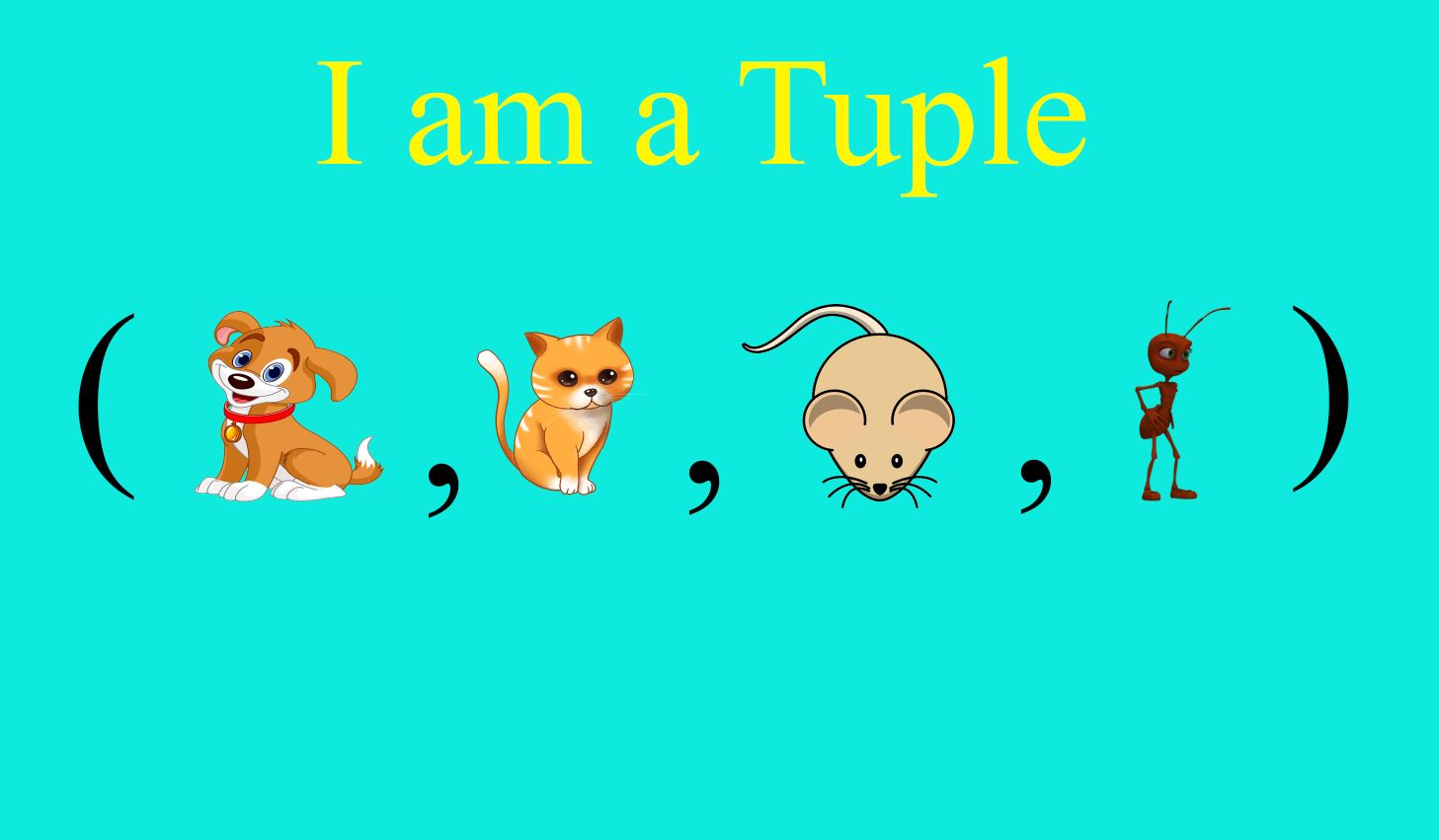
(1) What Is A Tuple Data Structure? Tuple is one of 4 built-in data types in Python used to store collections of data, the other 3 are List, Set, and Dictionary, all with different qualities and usage. Tuples are used to store multiple items in a single variable. A tuple is a collection which is ordered and unchangeable. Example-1 tp = (1,’abc’,4.5,[9,8]) print(type(tp)) print(tp) <class ‘tuple’> (1, ‘abc’, 4.5, [9, 8]) (2) Find The Size Of The Tuple In Python. getsizeof() Function can be used to get the size of the tuple. The getsizeof() function belongs to the python’s sys module. Example-1 import sys
-

Q & A – Python List
(1) Check If A List Contains An Element. The in operator will return True if a specific element is in a list. lst = ['Subrat','Arpita','Abhispa','Subhada'] 'Subhada' in lst True (2) How To Iterate Over 2+ Lists At The Same Time. You can zip() lists and then iterate over the zip object. A zip object is an iterator of tuples. Below we iterate over 3 lists simultaneously and interpolate the values into a string. name = ['Snowball', 'Chewy', 'Bubbles', 'Gruff'] animal = ['Cat', 'Dog', 'Fish', 'Goat'] age = [1, 2, 2, 6] z = zip(name, animal, age) for i, j, k in z: print(f"Name: {i} Animal: {j} Age: {k}")
